
AI-First Graphic Design Review Software for Confident Sign-Offs

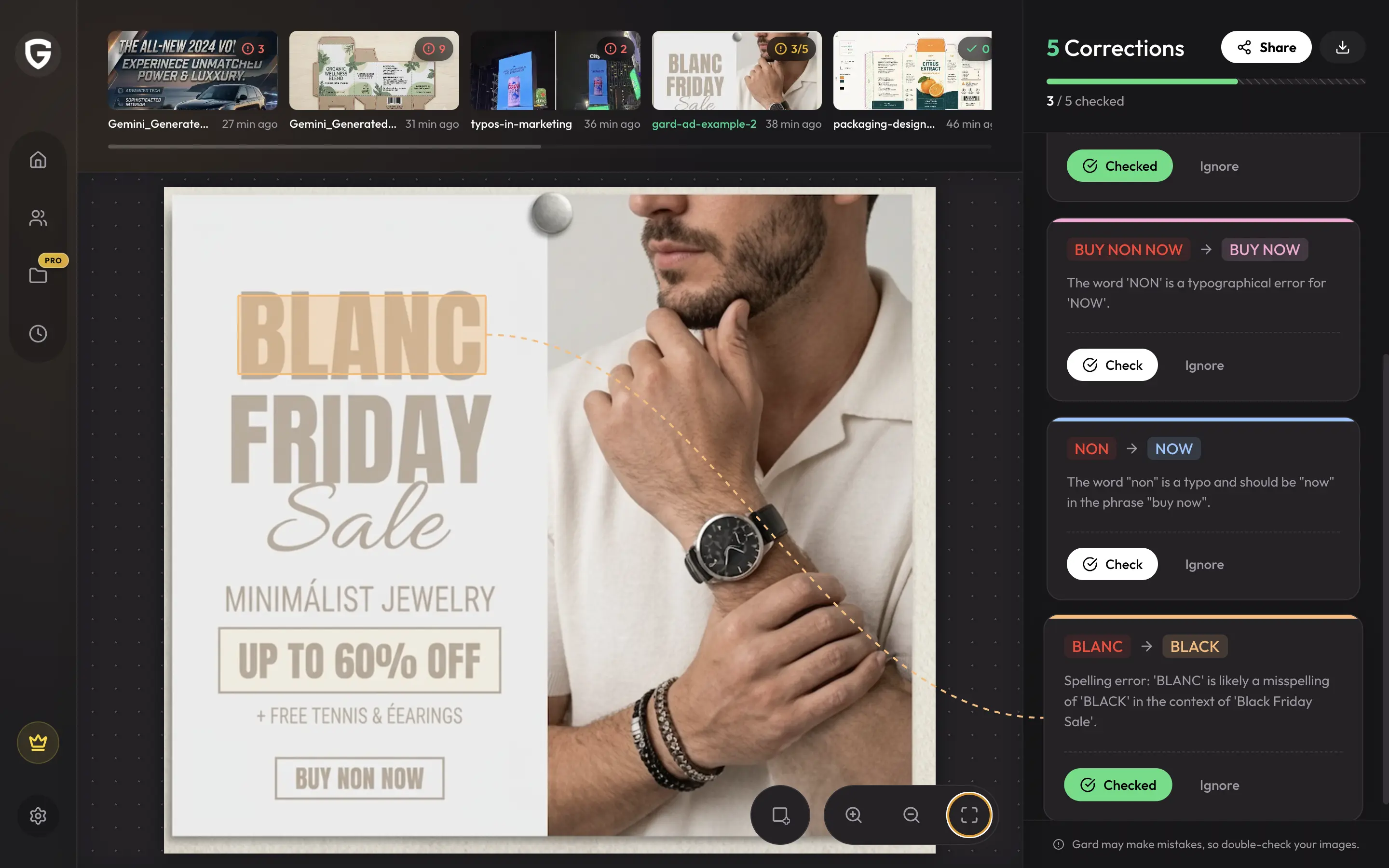
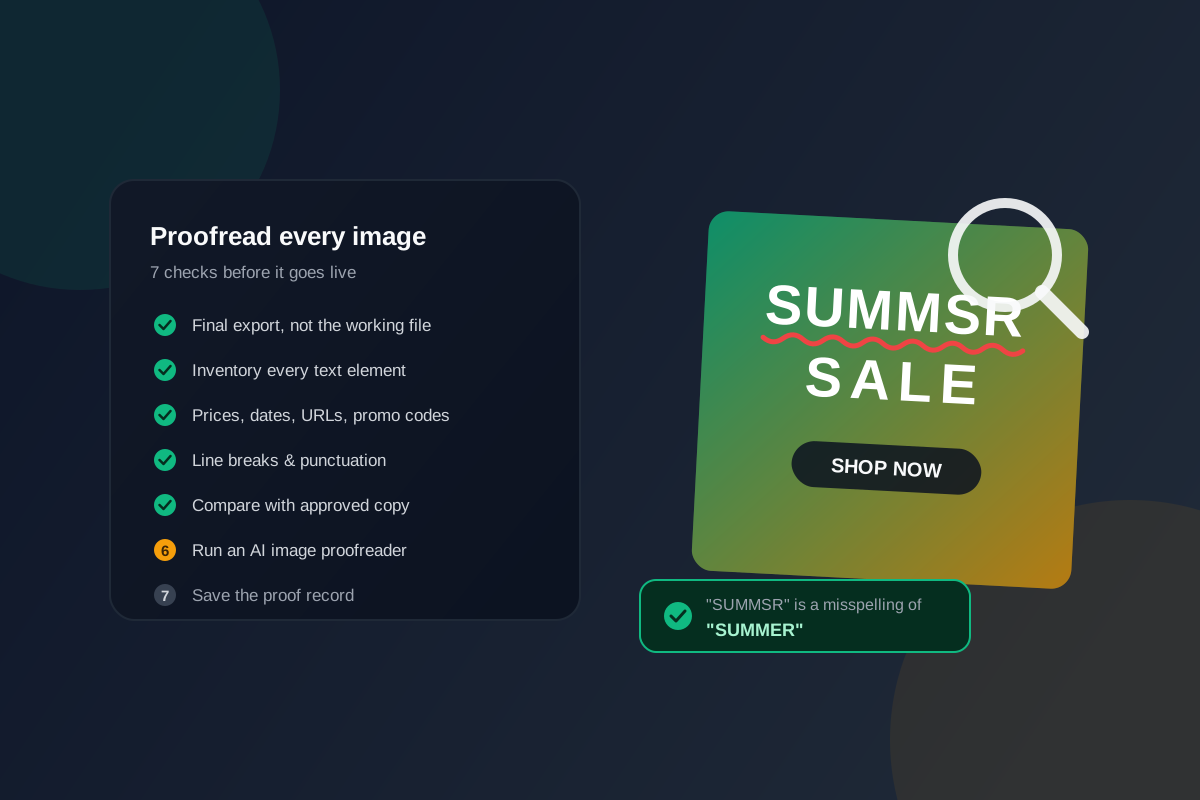
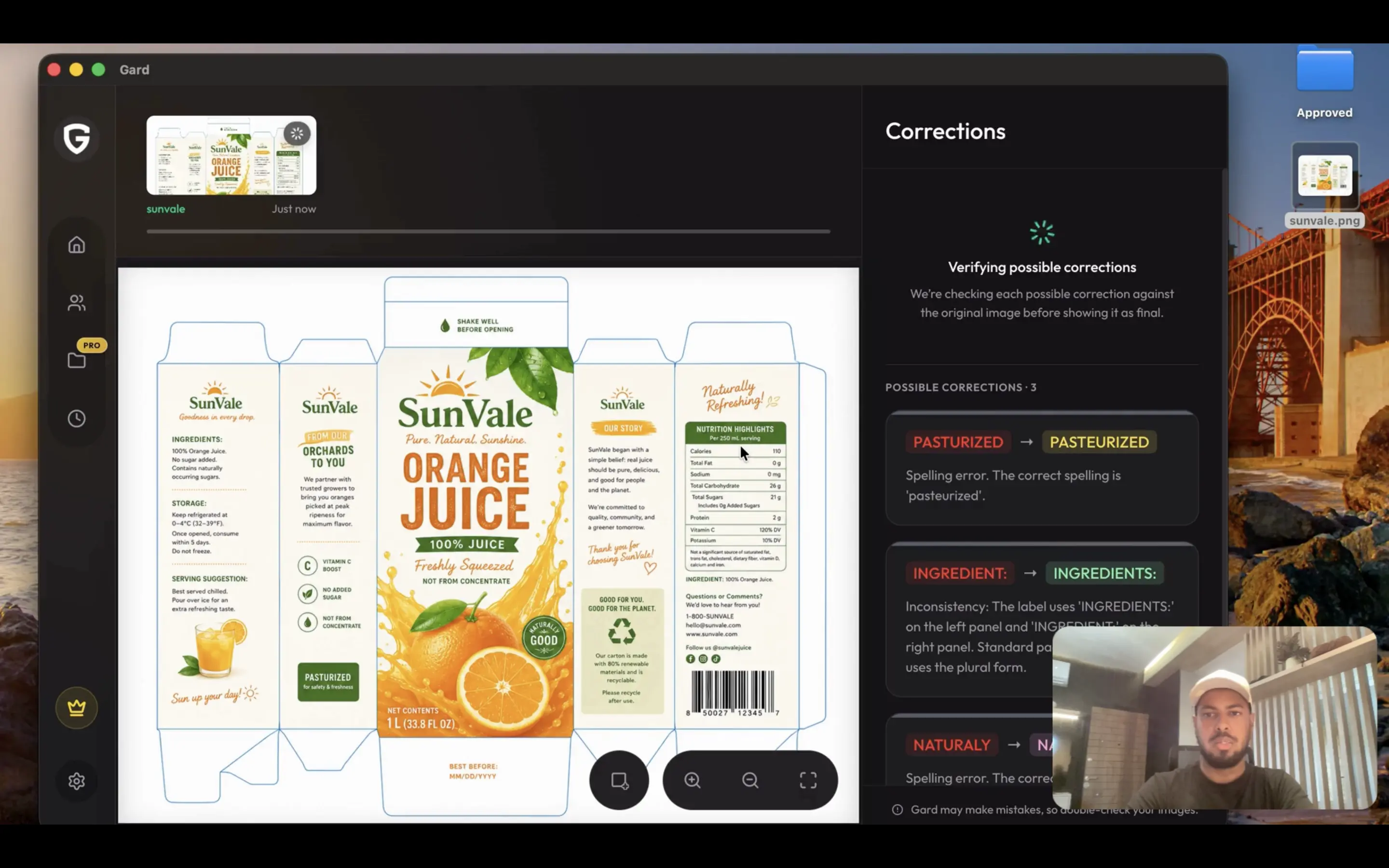
Designed with AI at its core, Gard uses reasoning to analyze and correct spelling, grammar, consistency, translation, and all sorts of copy errors in your image graphics, allowing teams to move from first draft to final approval with confidence.

Upload image or PDF file

Trusted by teams at

  • Regent Seven Seas Cruises
  • Grinds
  • A. Krieg Studio
  • Savor Beauty
  • Western International Group
  • YTL Creative

Real Gard Product demo

How Gard streamlines your design review process

See how Gard spots copy errors in your artwork so your team can resolve issues before final sign-off.

Gard App Demo Video Thumbnail

Testimonials

From our customers

How QA & design teams use Gard to make image proofing a more reliable part of their workflow.

Regent Seven Seas Cruises is an all-inclusive luxury cruise line offering ocean voyages to destinations around the world.

More from our customers

Before integrating Gard, we didn't have an image-proofing tool. We relied on Grammarly and used minimal image-based content. Now that our templates are more image-driven, Gard has been invaluable.

Nicole Rodriguez Email Marketing Manager at Regent Seven Seas Cruises
Read Nicole's interview

Built for visual QA

Gard works with any image containing copy

Check copy in packaging, campaign assets, email images, and print artwork before your team signs off.

Packaging labels

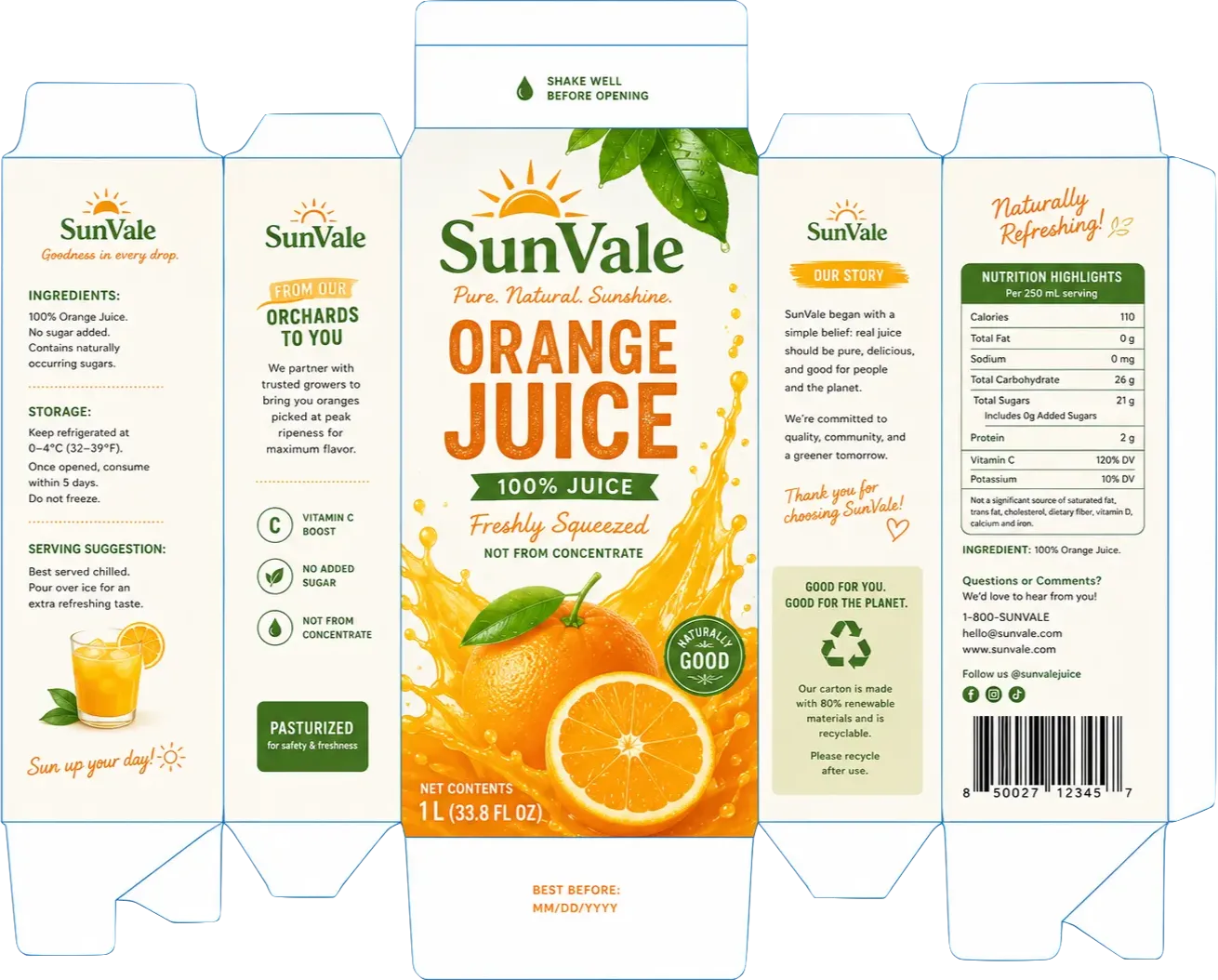
Dense labels pack product details, instructions, and measurements into a small space. Gard highlights copy and conversion errors in context, helping packaging teams resolve issues earlier in the approval process.

Explore package proofing
Marketing graphics

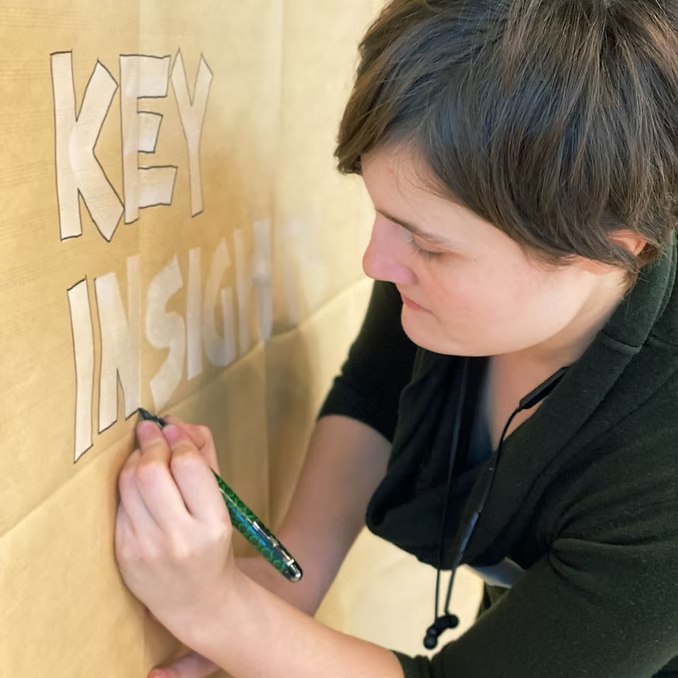
Campaign assets multiply across sizes, channels, and languages. Batch proofing helps your team catch copy errors in each ad variant and spend less time on repetitive manual checks.

Explore ad proofing

Email images

An email's biggest message often lives in an image, beyond your editor's spellcheck. Gard reviews promotional copy in context, helping your team catch confusing offers and typos before the campaign reaches subscribers.

Explore email proofing

Posters and flyers

Event details and promotional copy go through rounds of last-minute edits. A proofing pass on the final artwork helps print teams catch overlooked copy errors and avoid preventable reprints.

Explore print proofing

Bring AI into your graphic design review workflow

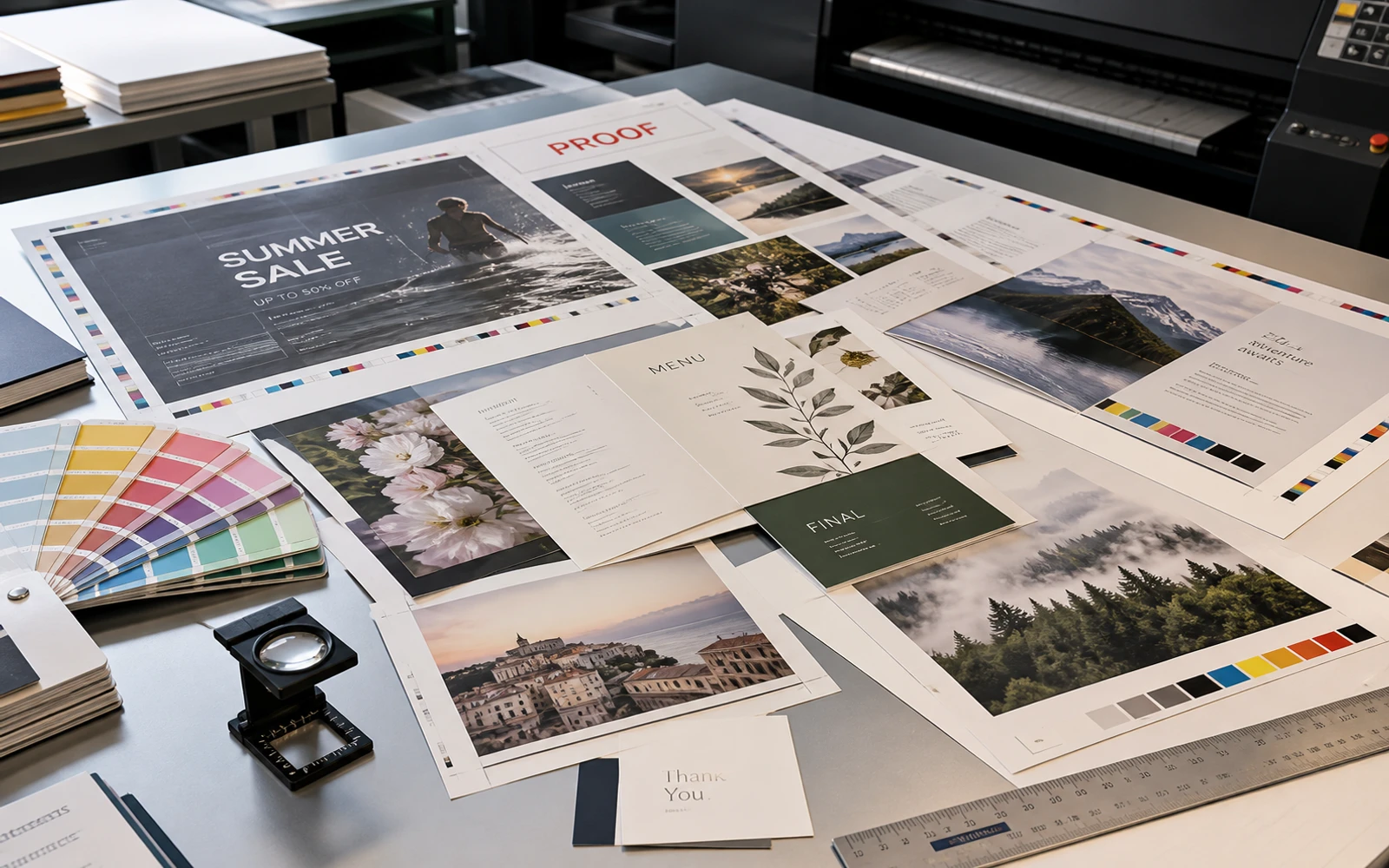
Prepress table with proof and final press sheets, colour bars, a loupe, and a Pantone fan deck beside a printing press
  1. 01

    Early drafts: check copy in the layout

    Once product copy is placed on the label or carton dieline, scan an image export with Gard. Bring its suggestions on copy and measurement conversions into your first internal artwork review, before issues carry into later rounds.

  2. 02

    Revision rounds: recheck updated artwork

    After copy edits, layout changes, or SKU updates, scan each revised export again. Review Gard’s suggestions, apply accepted corrections in the source design, and continue your team’s existing QA and version-control process.

  3. 03

    Final QA: support production approval

    Scan the artwork export your team is preparing to approve. Include Gard’s findings in the final copy review alongside your existing regulatory, barcode, and prepress checks before the responsible reviewers sign off for production.

Visual QA for every role

How can Gard help you?

Find out based on your role.

An extra pass on client artwork

Gard flags potential spelling, grammar, and punctuation issues on exported client artwork. Review each suggestion in context, then use your judgment and the approved copy to decide what needs to change.

Pricing

Choose the review capacity your creative workflow needs.

Compare plans by scan volume and creative review features.

Need more? Contact Sales

Free

Try Gard at no cost.

$0 /mo

  • 3 scans per month
  • Core AI proofreading features

Starter

For solo professionals & small brands.

$24 /mo

Billed annually at $288/yr

  • 1,200 scans per year
  • 1 seat
  • Up to 5 concurrent scans
  • Email support
  • Share scan corrections via link
  • Corrections PDF export

Questions

Frequently asked questions

How accurate is Gard at detecting typos?
Gard flags potential spelling, grammar, and punctuation issues in readable image and PDF exports. Results vary with image quality, text size, stylized lettering, and language. Review each suggestion and check critical details against the approved source before release.
Does it work in multiple languages?
Gard can review visible copy in more than 50 languages, including English, Spanish, French, German, and Portuguese. Recognition quality varies by language, typography, and image clarity, so a fluent reviewer should check the suggestions.
What image formats are supported?
Gard seamlessly processes standard image formats including JPEG, PNG, and WebP.
Is my data secure?
We prioritize your privacy and data security. Your images and data are processed and stored securely.
Can I try it for free?
Yes! You can try Gard for free with a limited number of scans per month. No credit card required.

Gard for desktop

Available on Windows & Mac

Bring Gard into your desktop workflow and catch design errors before they reach production.

Gard desktop application interface showing a visual proofing workspace