Trusted by teams at






Creative handoff
One campaign becomes dozens of chances to miss an edit
A signed-off headline still has to survive every placement.
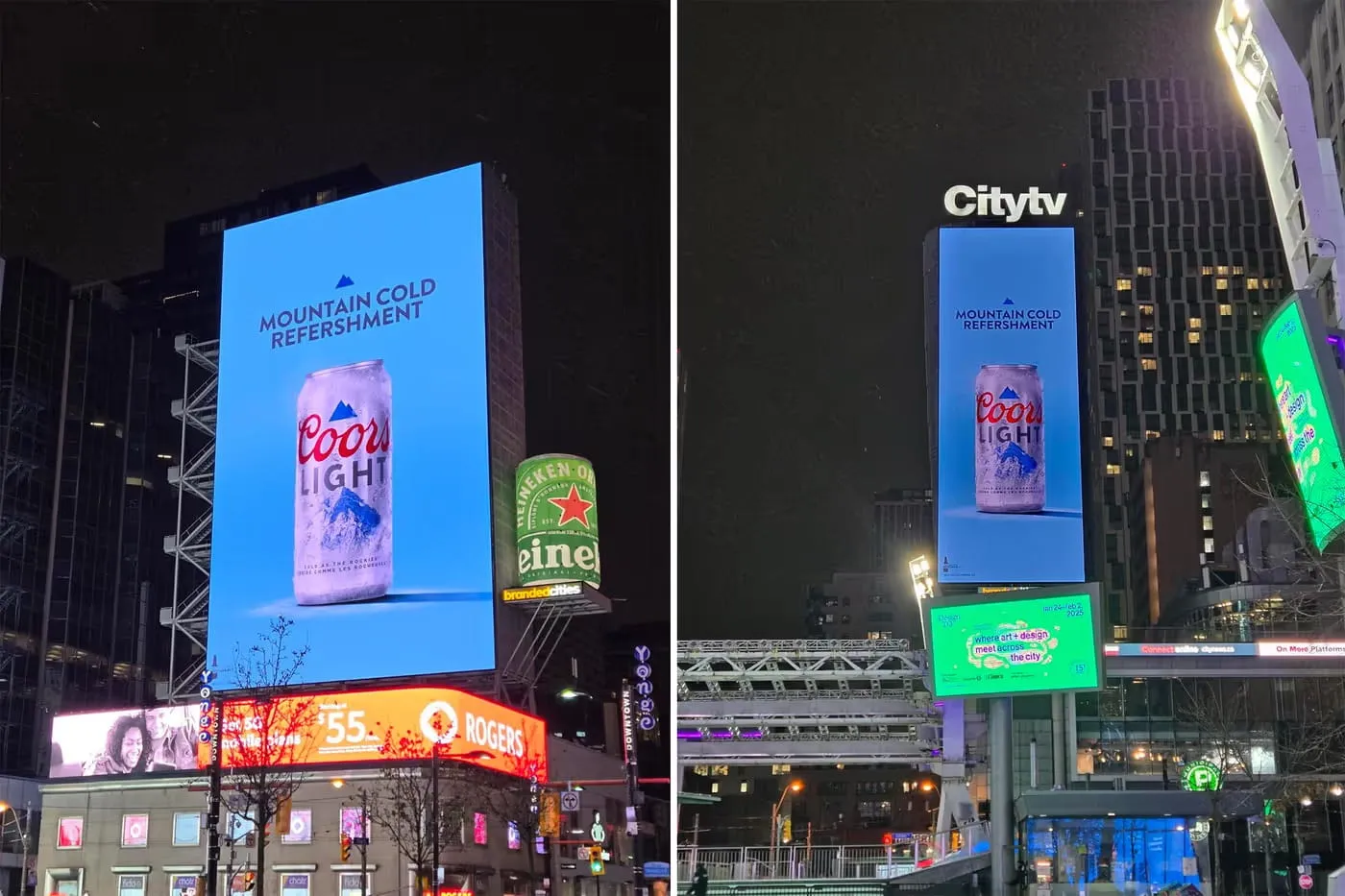
A feed ad has room for the full offer. The story version needs a shorter headline. A display banner gets a new CTA, and a carousel spreads the message across several cards. By trafficking day, each export has its own copy decisions to review.
Gard scans the words inside each ad image and highlights potential language errors. Review the actual placement files as a set, so the small banner and the last carousel card receive the same attention as the main creative.
Before trafficking
Build a reviewed set of ad placements

- 01
Gather the files on the media plan
Include feed and story graphics, display sizes, carousel cards, and static end cards. Name files by campaign, placement, language, and version so reviewers can identify the asset behind each result.
- 02
Batch-scan the campaign exports
Upload the JPEG, PNG, or WebP files together. Include both A/B treatments and localized versions: checking the master creative leaves the copy in its adaptations unreviewed.
- 03
Judge short copy in its ad context
Review flags in headlines, offer lines, and button text. Decide whether a fragment is an intentional advertising choice or an error, and check branded phrases against the campaign brief.
- 04
Return corrected files to trafficking
Apply accepted edits in the design source and rescan the affected placements. Give the media buyer the current exports and confirm which files replace earlier versions.
Use this review at the creative-to-media handoff. For the designer’s review process before a deliverable is ready for trafficking, see artwork proofing .
Ad copy in context
Look closely at the few words carrying the offer
These are the passages to inspect when reviewing Gard’s suggestions on campaign creative.
Headlines, offers, and CTAs
- A shortened headline with a missing verb or an unintended change of meaning
- Offer wording such as “Save on on your first order” with a repeated word
- CTA text such as “Shop the collections” when the graphic promotes one collection
- Possessives and punctuation in phrases such as “This weekends offer”
- A campaign phrase spelled differently in two places on the same ad
These are illustrative review examples. Use the visual and the approved brief to decide which suggested edits suit the campaign.
Image spell checkerKeep the offer attached to the right placement
Before trafficking, manually confirm the price, promotion dates, destination, and required disclaimer on each export. Batch scanning checks individual images; your media plan and approved offer supply the information needed to verify campaign details.
See ad grammar examplesGard has become part of my daily workflow. It’s reliable for proofreading and very good at catching small details that usually go unnoticed.
 Norman Vega Creative Strategist
Questions
Ad proofing FAQ
Should I proof every ad size or just the master creative?
Proof every exported placement that contains copy. A square ad, a vertical story, and a display banner can use different wording even when they share a design. Upload them as a batch and review each result before trafficking.
Can Gard check carousel ads and video ads?
Upload each carousel card as a JPEG, PNG, or WebP. For video work, scan exported stills such as thumbnails and end cards. Gard’s image scan does not review the video timeline, audio, or changing captions.
How should I review suggestions on short ad headlines?
Judge a suggestion against the offer and brand voice. Fragments, invented product names, and informal CTAs can be deliberate choices. Gard highlights potential issues; the copy owner decides which edits improve the ad.
Does batch scanning compare the offer across ad variants?
Treat each result as a review of that image. Check the offer, dates, destination, and required copy in every variant against the campaign brief. A batch scan is not confirmation that all placements use the same approved offer.
Ready for the media team
Proof the ad set before trafficking
Bring your placement exports into Gard and resolve the copy flags before the campaign handoff.
Start with 3 free scans each month. No credit card required.
For the broader manual workflow, use the 7-step guide to proofreading images .