


Upload the PDF
Drop your unlocked file onto the upload area or choose it from your device. Sign in to a free Gard account to continue in the web app.
Try Gard free for 14 days.
See pricing optionsUpload a finished PDF and Gard runs each page through its specialized proofing pipeline, flagging spelling, grammar, and punctuation errors before your document goes to print or reaches a client.
Helping +4000 individuals & teams
Trusted by teams at


Gard compares the copy with your brief, marks each error where it appears on the page, and lets you confirm or ignore it before you share the results.
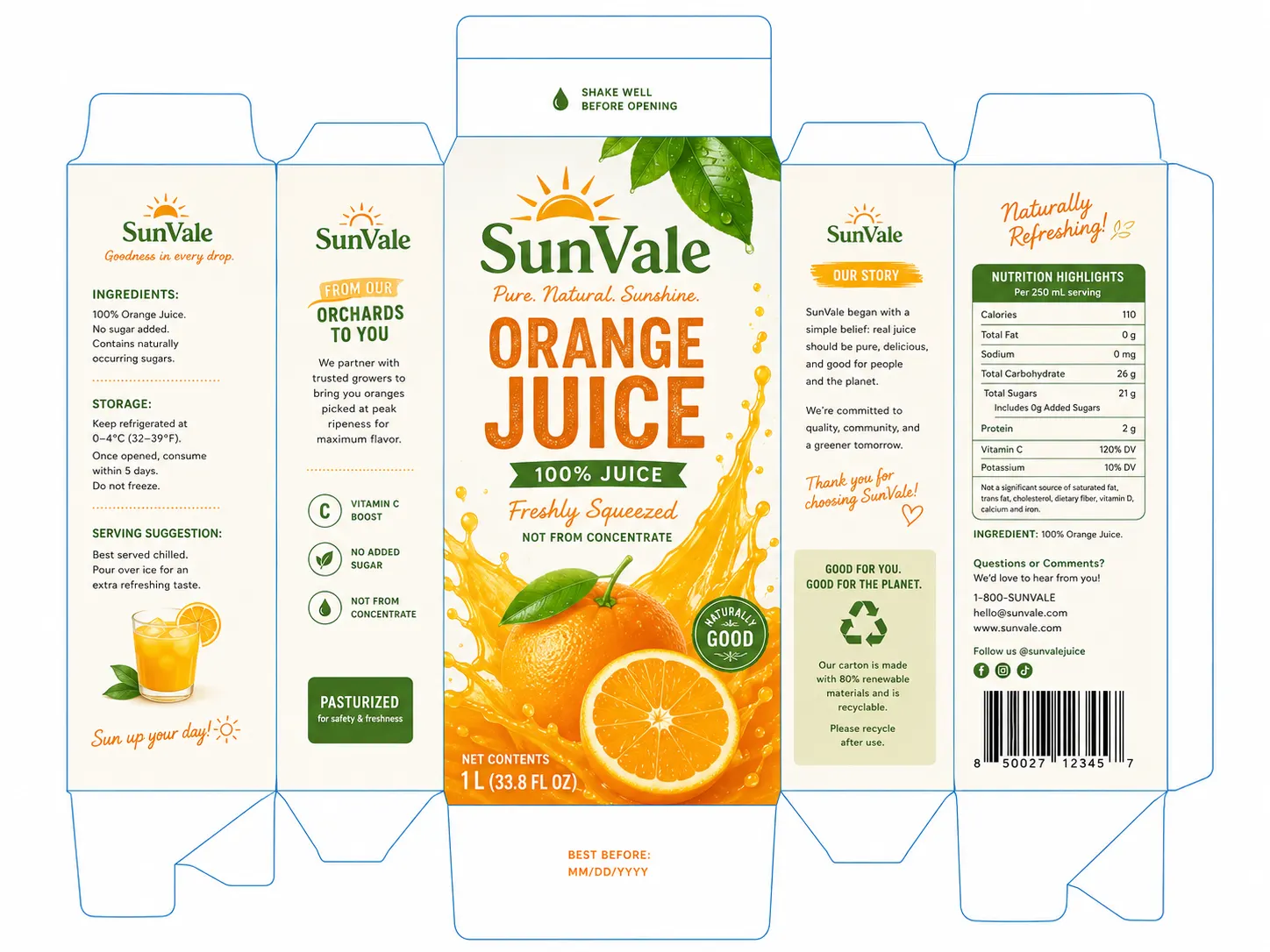 3 /3 3/3 sunvale-packaging Just now
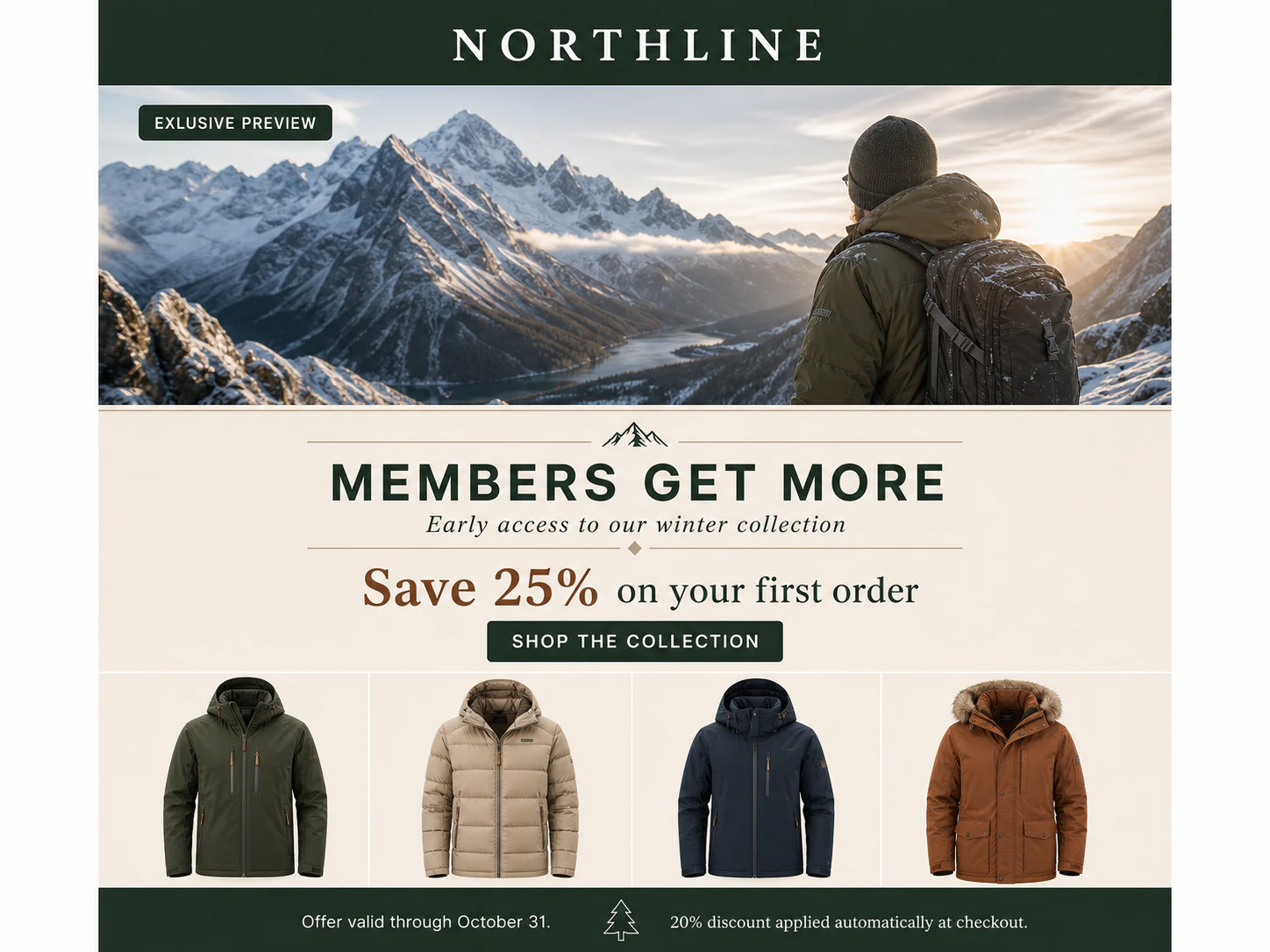
 2 northline-email Just now
 2 home-event-ads Just now
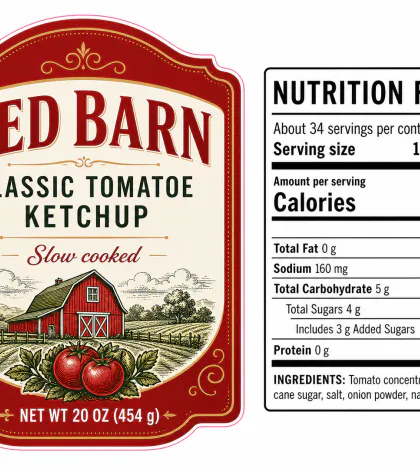 2/2 red-barn-ketchup 2 hr ago
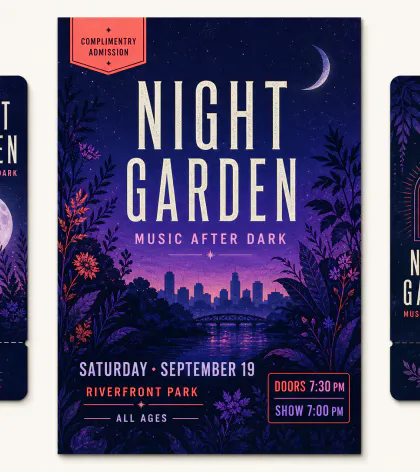 1/2 night-garden-poster 1 day ago
From final export to final check
Review the exported file your reader will see, including text in graphics and artwork. Keep the layout in view while you work through the suggestions.
Drop your unlocked file onto the upload area or choose it from your device. Sign in to a free Gard account to continue in the web app.
Gard checks the first pages covered by your remaining scans. Read the highlighted spelling, grammar, and punctuation suggestions in context.
Check names, dates, prices, and contact information against your approved copy. Treat suggestions as a review aid and decide which changes fit.
Make corrections in your original design or document editor. Export a fresh PDF and give the revised pages a final check before sending.
Why PDFs slip through
Spell check in your word processor or PDF editor only covers live, editable text. In an exported PDF, headlines are often outlined, artwork is flattened, and some pages are scans or placed images, so the errors in that copy never get flagged.
Gard proofreads the visible text on each page, whether it’s selectable, outlined, flattened into artwork, scanned, or inside a placed image.
Add your approved copy as a brief and Gard flags where the PDF drifts from it, like a changed price, a missing line, or an outdated date.
Each correction is pinned to where it appears in the document. Confirm or ignore it, then share the results as a link or PDF so your design team knows exactly what to fix.
Beyond spelling
A spell checker confirms each word is in its dictionary. Gard reads the finished document and checks whether the words are right: the spelling, the facts, the naming, and whether the copy matches your brief.
ACCOMODATION ACCOMMODATION
Typos and grammar slips in headlines, captions, and body copy.
June 31 June 30
A deadline set on a date that doesn’t exist. Every word is spelled right, so spell check lets it through.
Sun Vale Sunvale
The brand name is written two ways on the same page, and both versions pass a spell check.
$49 $59
The price on the order form doesn’t match the $59 in your brief.
Gard tools
PDF proofing uses the same visual proofreading approach as our image spell checker. Choose the tool that matches the file you have.
Questions