How Angela Krieg Uses Gard to Proofread Hand-Drawn Artwork
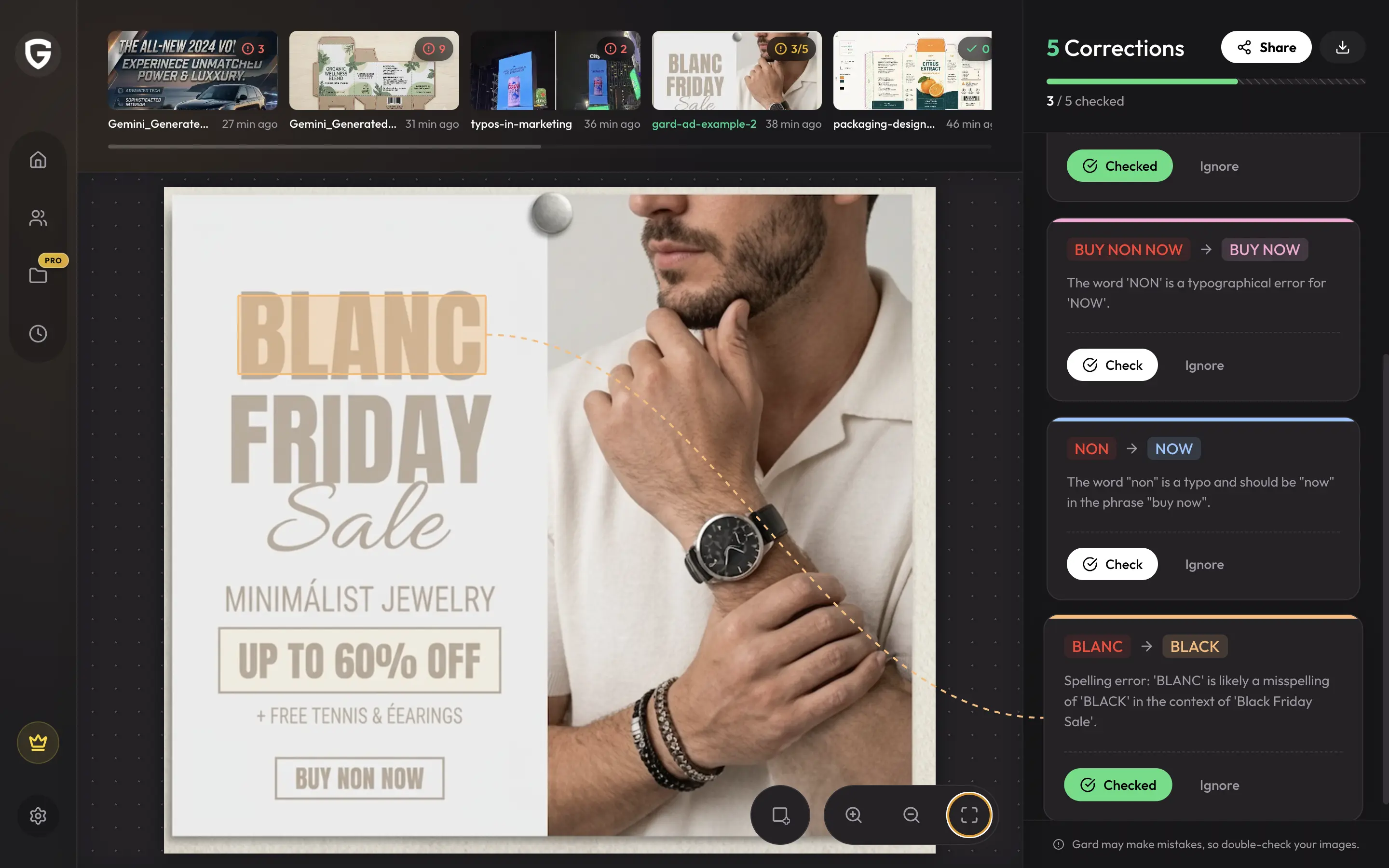
A freelance graphic artist explains how Gard catches errors in sideways and curved hand-lettering during live events.
We love hearing how Gard helps users speed up their image-proofing workflows. Our subscribers include email marketers, graphic designers, content strategists, and even packaging design quality assurance specialists. We spoke with Angela Krieg via e-mail about her unique and challenging use case—and how Gard has helped her streamline the proofing process.
Jarolin
Hi, Angela. First, thank you for your support and your time. It is wonderful to hear about customers’ experiences with Gard and to know that it solves the painful process of proofing image-based content—or, in your case, hand-drawn artwork. I did not expect Gard to be used to proofread hand-drawn work, but I am glad it's been useful, and I hope more people with this use case find us.
Jarolin
To start, can you describe your role and your work?
Angela
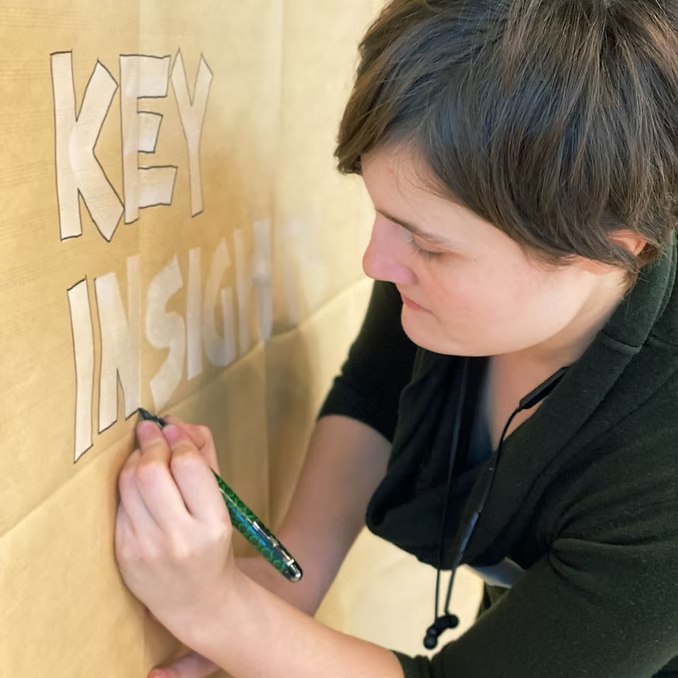
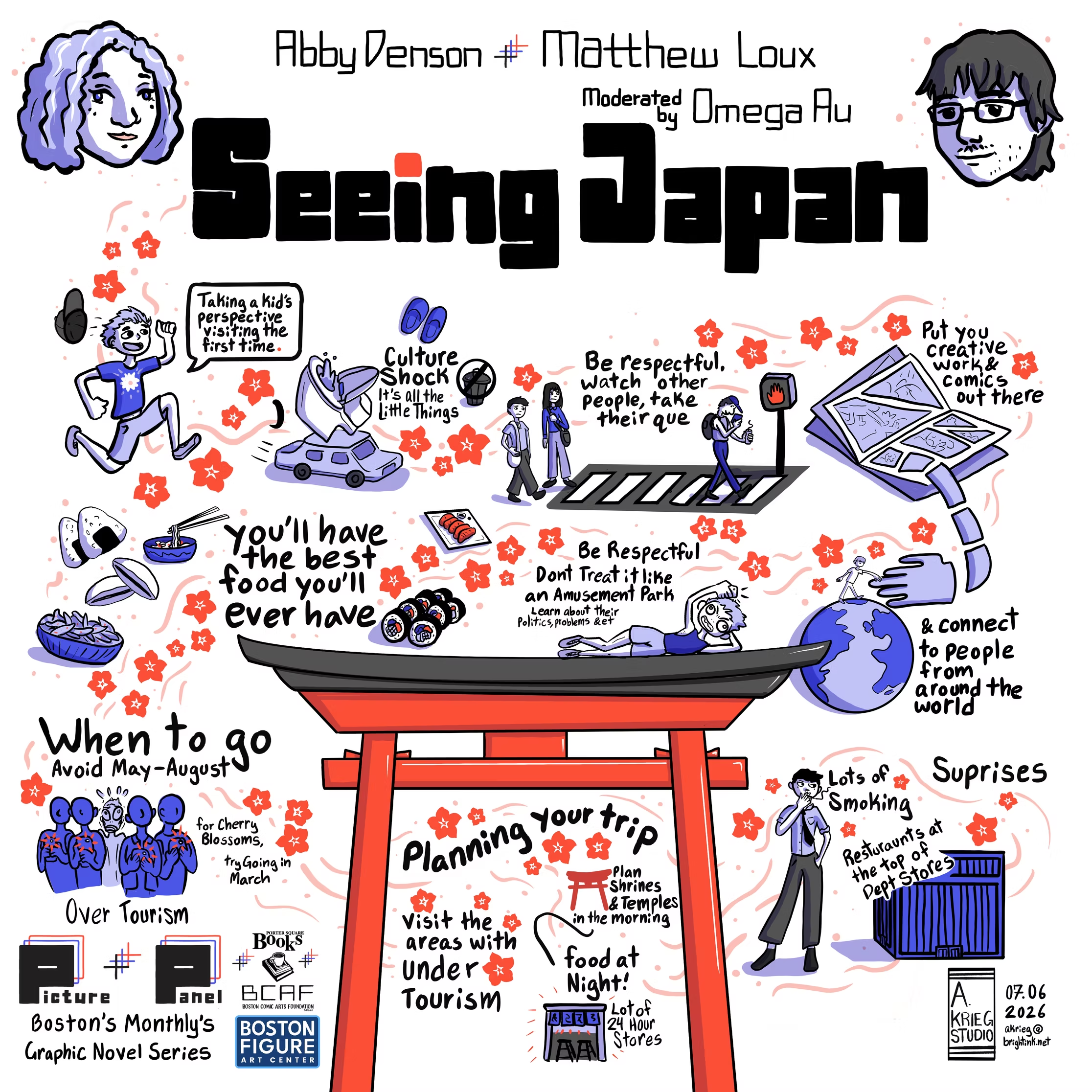
I am a freelance graphic artist and a project manager. I manage event logistics and create visuals for conferences and meetings across a wide range of industries, including medicine, education, and B2B innovation.
Jarolin
Some people might assume that creating visuals for conferences means designing PowerPoint slides. How did you proofread your hand-drawn artwork?
Angela
Before Gard, I was using a range of different techniques to proofread my handwritten posters. I tried different AI tools such as ChatGPT and Gemini, had a friend proofread the text, or wrote each word on the posters by hand into a spell checker to catch spelling errors and grammatical errors. None of the techniques were foolproof, and mistakes still got through.
Jarolin
I would be surprised if no errors got through, given the time pressure and the need to divide your attention between the artwork and the presentation. On top of that, there is no efficient way to proofread the copy when everything is created on a whiteboard. How did you discover Gard, and was there a specific moment that led you to subscribe?
Angela
I came across Gard by looking up multiple spell checkers; most were designed for typed text, even if it was taking photos of documents and translating them into a Word document. Gard was the only software program that could accurately and thoroughly read and correct my hand-lettered text, even if the text was sideways or curved.
Jarolin
Many image proofreaders focus on OCR, leaving much of the visual context out of the proofreading process. I am glad Gard has been able to handle your drawings well. What do you like most about your workflow since integrating Gard?
Angela
I like that I can work with Gard live. When I am working in a room, I can take a step back from my poster, take a quick photo, and upload it into Gard, so I can fix my mistakes before the end of the event. I can then do a second spellcheck with Gard after the event while I am cleaning up the poster via Adobe Photoshop.
Jarolin
That sounds really convenient. What do you like least about Gard, and are there any features or third-party integrations that would improve your workflow even more?
Angela
As with all AI, I am unclear about the level of security and privacy of my work. When I have to work on highly Confidential events and sign any NDAs, I choose to proofread everything manually to catch spelling or grammar errors, ensuring strict confidentiality and protection for my clients.
The UI/UX is continuously getting better. I hope there will be an Android app for Gard in the near future, but the team has been very receptive to feedback when I have given it.
Jarolin
I understand those concerns about security and privacy. To give a bit of insight on how your data is stored: Gard uses Google’s Gemini large language models and OCR API to process your images. Because we access these services through our Google Workspace registered account, your content is not shared outside our organization, used to train generative AI models, or reviewed by humans for model training, according to Google’s privacy commitments.
Gard uses Firebase, a Google cloud service, for user authentication and data storage. When you sign up for Gard, we never see your password. Firebase also enforces strict access rules that prevent anyone from accessing your data. You can choose to share a scan by generating a URL. When you do, a copy of that scan is published at an unguessable address that anyone with the link can access.
Thank you for taking the time to chat with me, Angela. I hope this addresses your concerns about data privacy and security. Regarding the mobile version of Gard, we're focusing purely on the web experience, but will let you know when that changes.
If you create hand-lettered artwork, live visual notes, or other text-heavy graphics, Gard can give you an extra proofreading pass before the work is finalized. To see more of Angela’s illustration and graphic-recording work, visit A. Krieg Studio.
Disclaimer: Gard provides automated design proofing powered by advanced AI. While highly accurate, we advise users to always conduct a final manual review of high-stakes business, medical, or legal graphics before sending to production.