How to Verify Text in an Image: Check It's Accurate — and Real
Verifying image text means two things: checking your own graphic for copy issues, and checking whether someone else's screenshot is genuine. A workflow for both.
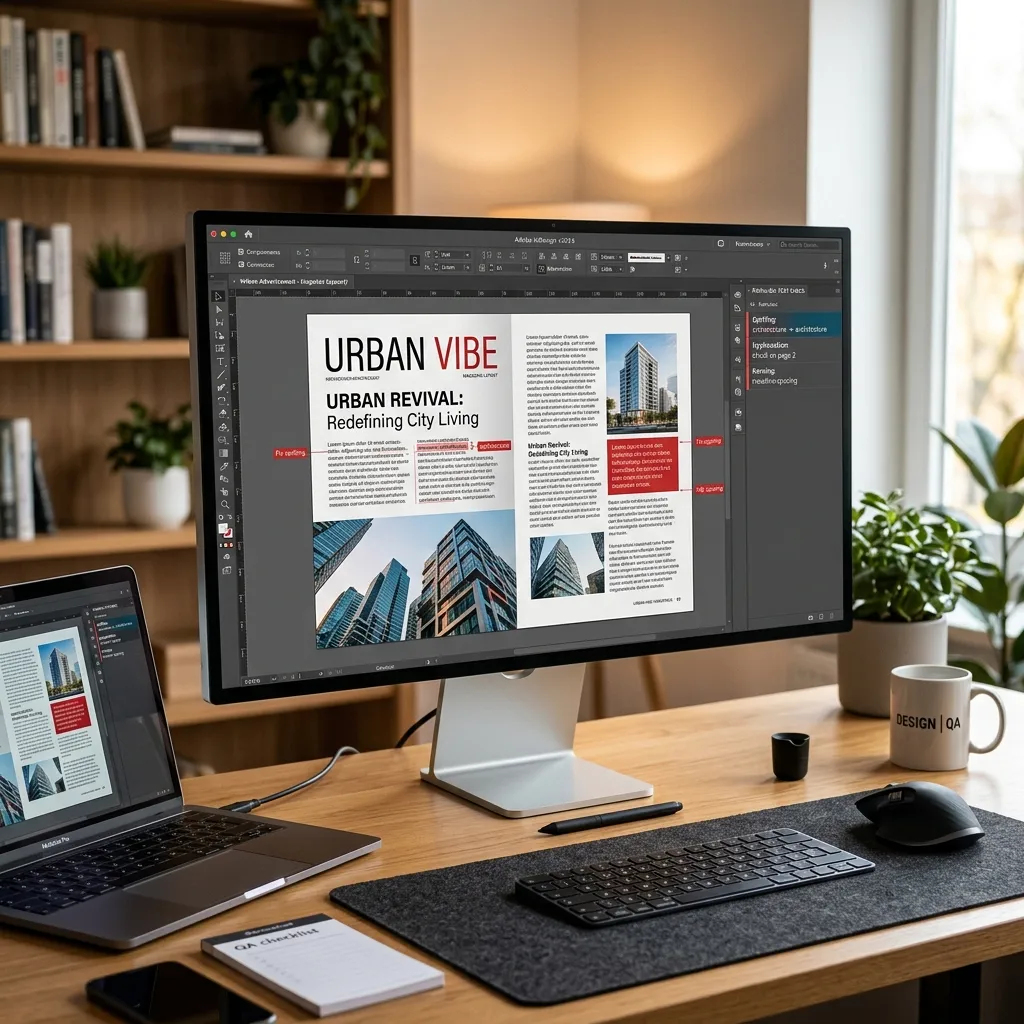
"How do I verify text in an image?" is really two different questions. If the image is yours — an ad, a banner, a package render — you want to verify the text is accurate before it goes live. If the image is someone else's — a screenshot, a quote card, a viral photo — you want to verify the text is genuine and true. This guide covers both jobs, step by step.
The two meanings of "verify text in an image"
| You're asking | The job | The method |
|---|---|---|
| "Is the text in my graphic correct?" | Accuracy check before publishing | Proofread the rendered text — automated scan plus human pass |
| "Is the text in this image real / true?" | Authenticity check of someone else's image | Extract the text, trace the source, inspect the rendering |
Step zero for both: extract the text
Text inside a JPG or PNG is pixels, so the first move in any verification is turning it back into text you can search, compare, and check. Run the image through a free image to text extractor (OCR). Now you can paste the exact wording into a search engine, a document, or a checker — which is the backbone of every step below.
Verifying your own image: is the text accurate?
When the image is about to ship with your name on it, verification means proofreading the final export — not the design file it came from:
- Check the rendered export. Re-typed copy, font substitutions, and clipped text boxes introduce errors after approval.
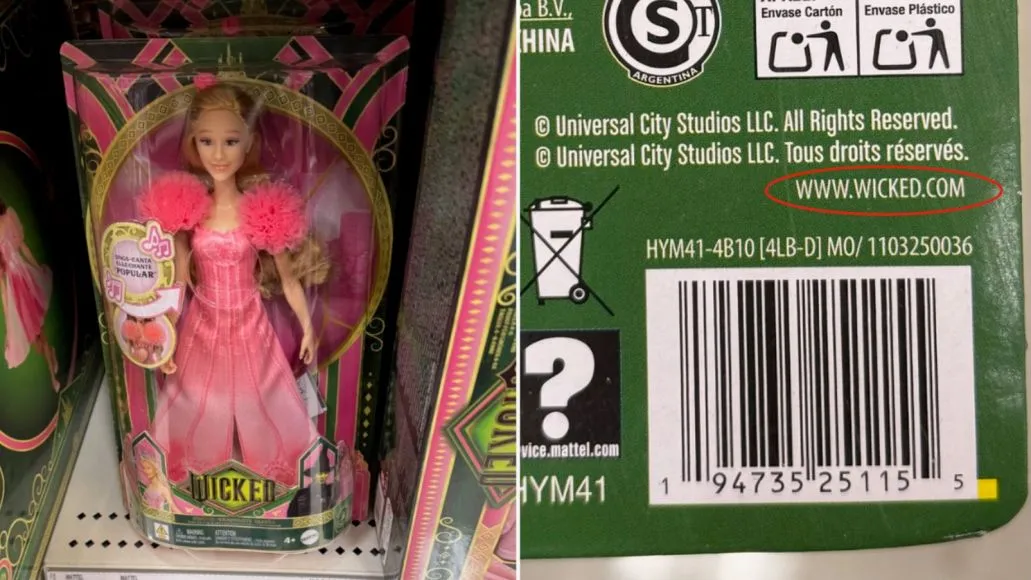
- Verify high-risk tokens character by character. Prices, dates, URLs, promo codes, and names carry the expensive mistakes.
- Run an automated pass first. An AI image spell checker reads the pixels and flags spelling, grammar, and punctuation errors in seconds — something document tools can't do, as we explain in Can Grammarly check images?
- Then do a human pass for meaning, line breaks, and claims on the cleaner file.
For the complete workflow, follow our 7-step guide to proofreading images.
Verifying someone else's image: is the text true?
Fabricated screenshots and quote cards are cheap to make and spread fast. Before you trust or share one, walk through these five checks:
- Search the exact phrase in quotes. Paste the extracted text into a search engine inside quotation marks. A real statement usually leads back to an original source — an article, a transcript, an official post. A fabricated quote usually leads to nothing but reposts of the same image.
- Reverse image search the picture. Tools like Google Lens and TinEye surface earlier versions. If an older copy shows different text on the same background, you've found the edit.
- Go to the claimed source directly. A screenshot of a tweet, headline, or message can be checked against the actual account, publication, or platform. If the post doesn't exist there and wasn't archived, treat the image as unverified.
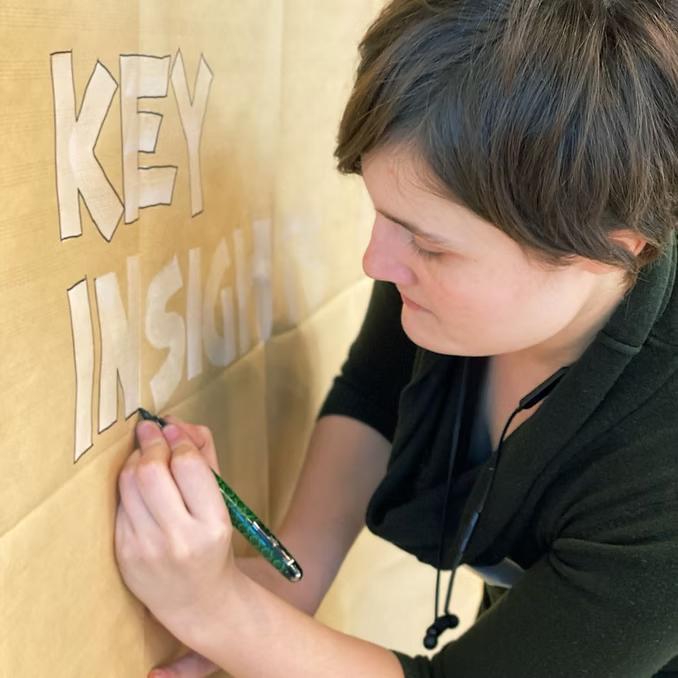
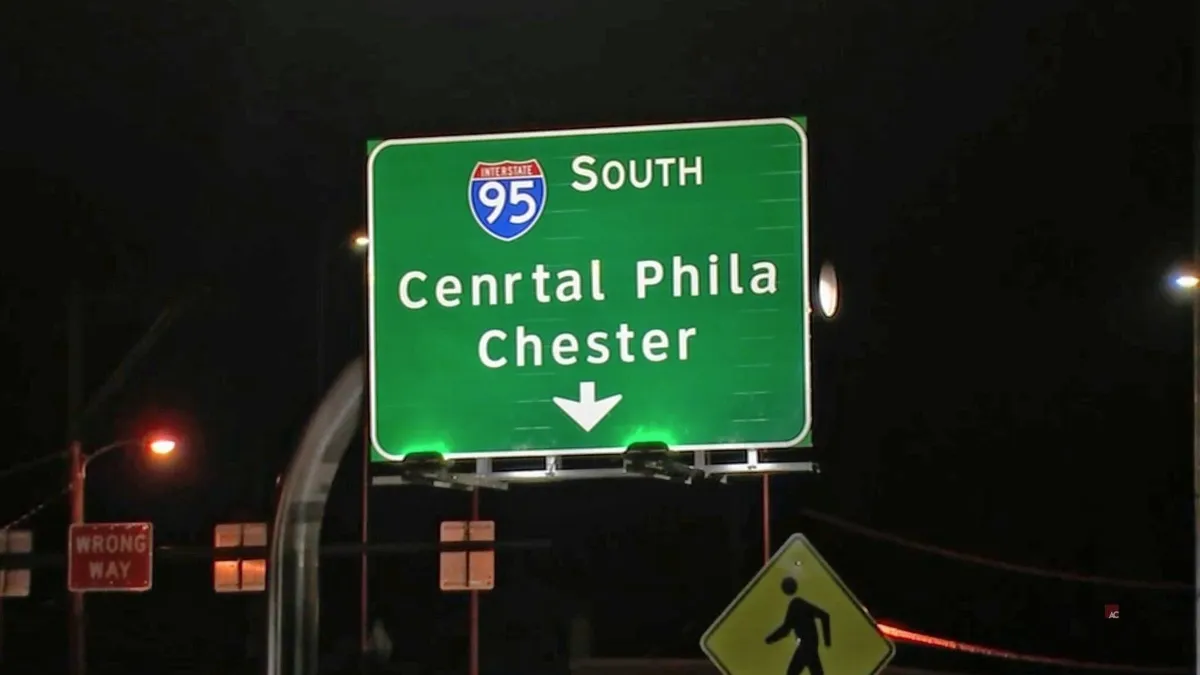
- Inspect the rendering. Edits and AI generation leave fingerprints in the text itself: mismatched fonts or spacing on one line, compression halos around letters, and — in AI-generated images — warped or gibberish characters, especially in background text.
- Check the date and context. The most common trick isn't a fake image at all — it's a real image with a wrong caption, cropped context, or an old event presented as new. Confirm when and where the original appeared.
Red flags that a text image is fake
- The exact phrase returns no original source — only reposts of the image itself.
- Fonts, letter spacing, or alignment shift subtly on one line but not the others.
- Background or secondary text is garbled — a classic AI-generation artifact.
- The claimed author, date, or platform can't be matched to a live or archived original.
- The image only circulates as a screenshot, never as a link to the source.
Where Gard fits
To be clear about the boundary: Gard reviews visible copy for potential spelling, grammar, and punctuation issues; it does not verify facts or compare an image with an approved source. You can scan one image, use batch uploads, or set up Watch Folders in 50+ supported languages. Check its suggestions and compare critical details with your source before publishing. To assess whether someone else's screenshot is genuine, follow the source checks above.
Verifying image text: FAQ
How can I verify text in an image is true?
Extract the text with OCR, search the exact phrase in quotes, reverse image search the picture, check the claimed source directly, inspect the rendering for edit or AI artifacts, and confirm the date and context. If the original can't be found anywhere, treat it as unverified.
Can a tool automatically detect fake text in images?
No single tool is reliable on its own. Reverse image search finds earlier versions, and AI-artifact inspection helps, but authenticity verdicts come from tracing the source. Automated tools are better at the accuracy side — catching errors in text — than at judging truth.
How do I check my own graphics before publishing?
Run the final export through an image proofreader like Gard to review potential spelling and grammar issues, compare prices, dates, URLs, and codes with your approved source, then do a human read for meaning. Our image proofreading guide covers the full workflow.
What's the fastest way to get the text out of an image?
Use an OCR tool. Gard's free image to text extractor turns any JPG, PNG, or WebP into copyable text in seconds — the starting point for both accuracy checks and fact-checks.
Disclaimer: Gard provides automated design proofing powered by advanced AI. While highly accurate, we advise users to always conduct a final manual review of high-stakes business, medical, or legal graphics before sending to production.