IMGProof Is Now Gard: What Changed and What Stayed the Same
IMGProof is now Gard. Existing accounts still work, while the new Gard app adds desktop workflows, Watch Folders, and stronger visual proofreading.
The short version
IMGProof and Gard are the same product. IMGProof was renamed Gard. Existing accounts and memberships continue to work, and users can sign in with the same credentials at app.trygard.com.
IMGProof began as a focused utility for finding spelling and copy problems inside images. As the product expanded beyond a simple browser workflow into automated desktop image proofreading, the old name no longer described the full experience. We renamed the product Gard and rebuilt it around the broader job of guarding final creative against avoidable text mistakes.
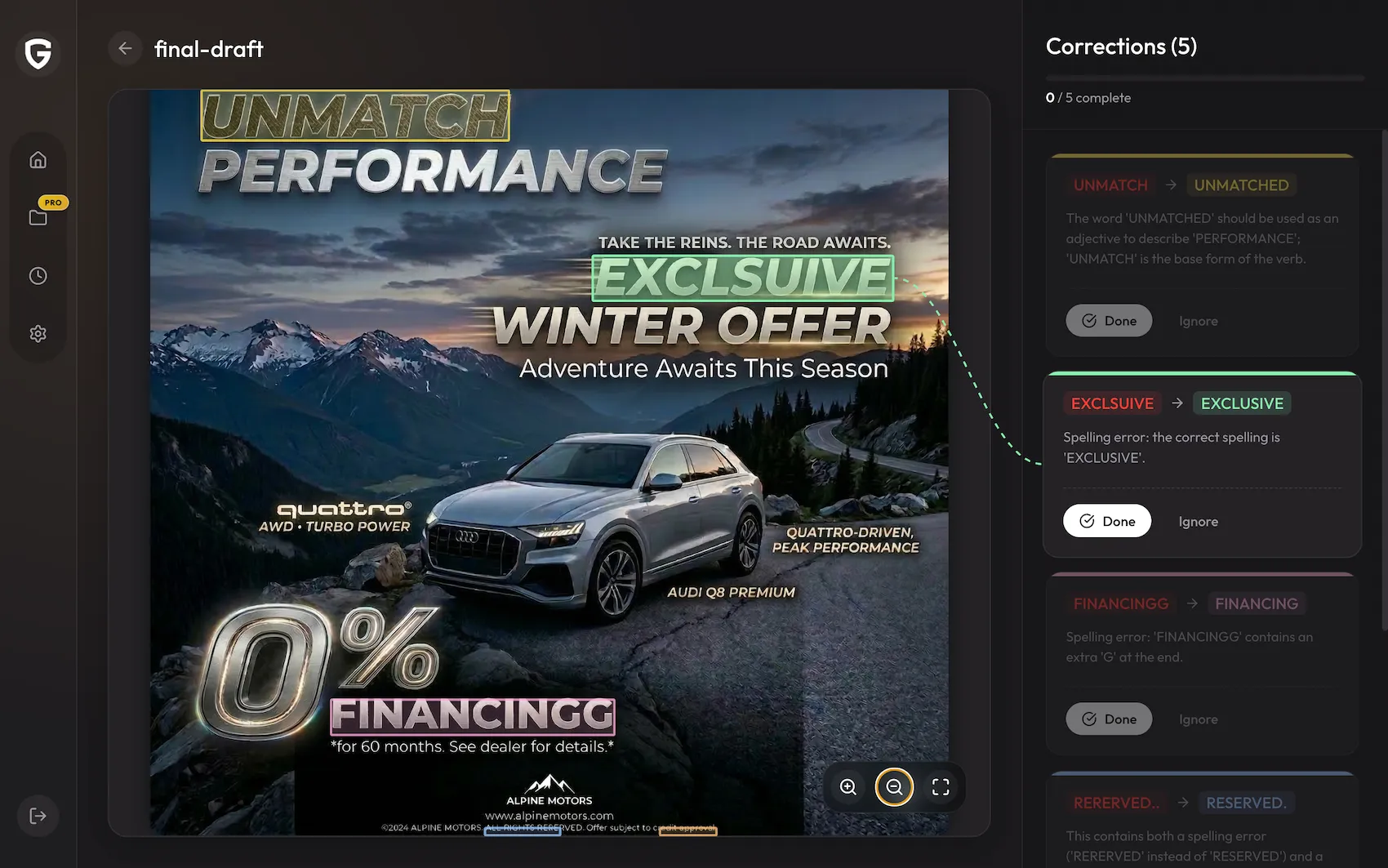
What changed from IMGProof to Gard?
| Then | Now | What it means |
|---|---|---|
| IMGProof | Gard | A clearer brand for a broader visual QA product. |
| Primarily browser-based checks | Web plus Windows and macOS apps | Proof one image quickly or build the check into a desktop workflow. |
| Manual uploads | Uploads, batch scans, and Watch Folders | New exports can be reviewed automatically as files are saved. |
| Basic image proofreading | Context-aware corrections and review records | Teams can see what was flagged, where it appears, and what happened next. |
What stayed the same?
- Your account: sign in with the same email and authentication method you used for IMGProof.
- Your membership: existing account and subscription information remains associated with the same user.
- The core job: Gard still helps catch spelling, grammar, punctuation, and copy problems inside final images.
- The team behind it: this was a product rebrand and rebuild, not a sale to a different company.
If an older scan or correction is not visible in the current app experience, or your account does not behave as expected, contact support@trygard.com. Include the email address used for IMGProof so the team can locate the correct account.
Why the name Gard?
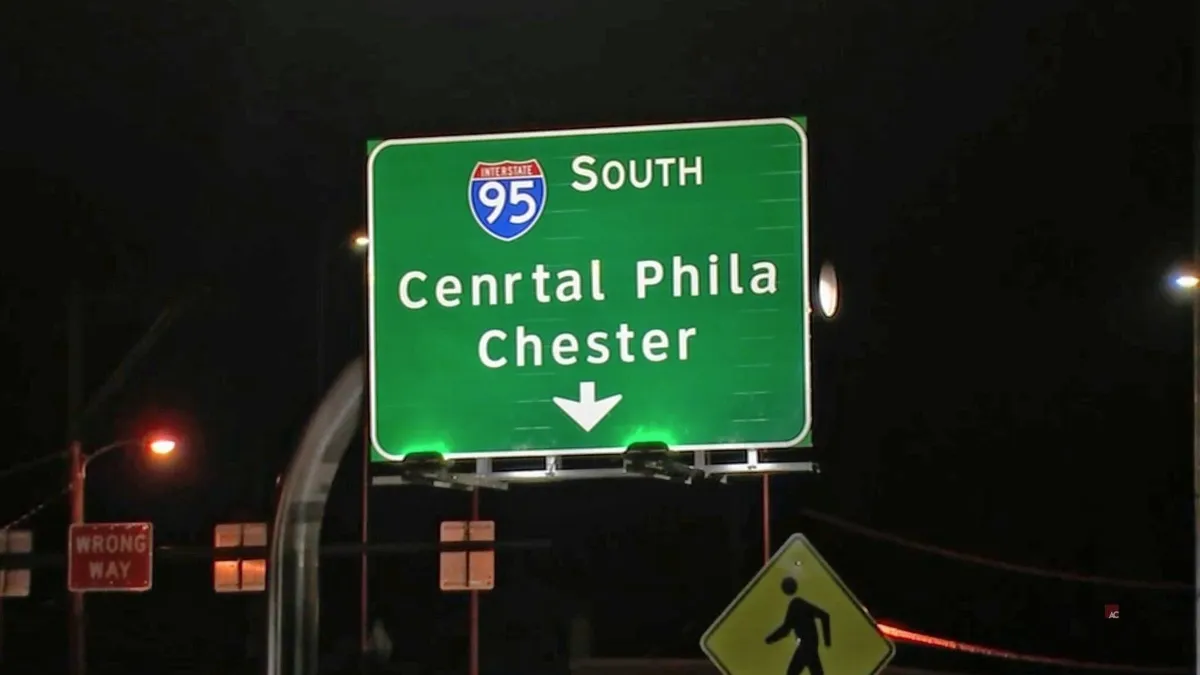
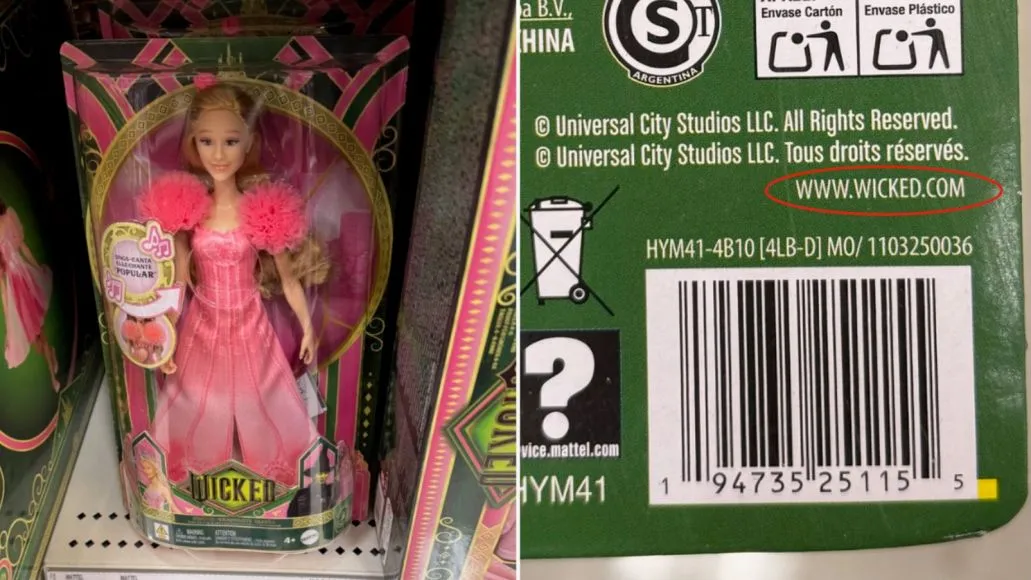
Gard is an intentional misspelling of guard, reflected in the line Gard against typos. The name keeps the product's original personality while describing its role more directly: a final safety layer for ads, email graphics, packaging artwork, screenshots, presentations, and other visual content where text has already become part of the design.
What can Gard do today?
- Proofread visible text inside JPG, PNG, WebP, screenshots, ads, banners, and exported designs.
- Flag spelling, grammar, punctuation, repeated words, and awkward copy in visual context.
- Review one image in the web app or batch-scan creative in the desktop app.
- Monitor export directories with Watch Folders and check new files automatically.
- Save corrections, share scan results, and support a repeatable team QA process.
For a hands-on explanation, see the Gard image spell checker or follow the 7-step image proofreading workflow.
Returning from IMGProof?
Use your existing account in Gard. You do not need to create a second profile.
IMGProof to Gard FAQ
Did IMGProof shut down?
No. IMGProof was renamed and rebuilt as Gard. The product continues at trygard.com and app.trygard.com.
Do IMGProof users need a new account?
No. Existing users should sign in to Gard with the same credentials. Contact support if the account cannot be located.
Is IMGProof a different product from Gard?
No. Gard is the current name and product experience for what was previously called IMGProof.
Where should old IMGProof links point?
The canonical product site is trygard.com, and the app is available at app.trygard.com. Legacy IMGProof routes should redirect to this migration explanation or the relevant Gard product page.
Disclaimer: Gard provides automated design proofing powered by advanced AI. While highly accurate, we advise users to always conduct a final manual review of high-stakes business, medical, or legal graphics before sending to production.