Gard 3.0 is Here: Sharper Accuracy, Faster Scans, and a Cleaner Interface
We just shipped Gard 3.0 with sharper typo detection, fewer false alarms, a faster refreshed interface, and better reliability.
We just shipped Gard 3.0, and it is our biggest update yet. If you have ever missed a typo on a published ad, a packaging design, or a promo banner, this release is built for you.
Our goal with 3.0 was simple: make proofreading images faster, more accurate, and much easier on the eyes. Here is a quick look at what is new and how it helps you get work done faster.
1. Sharper, More Accurate Proofreading
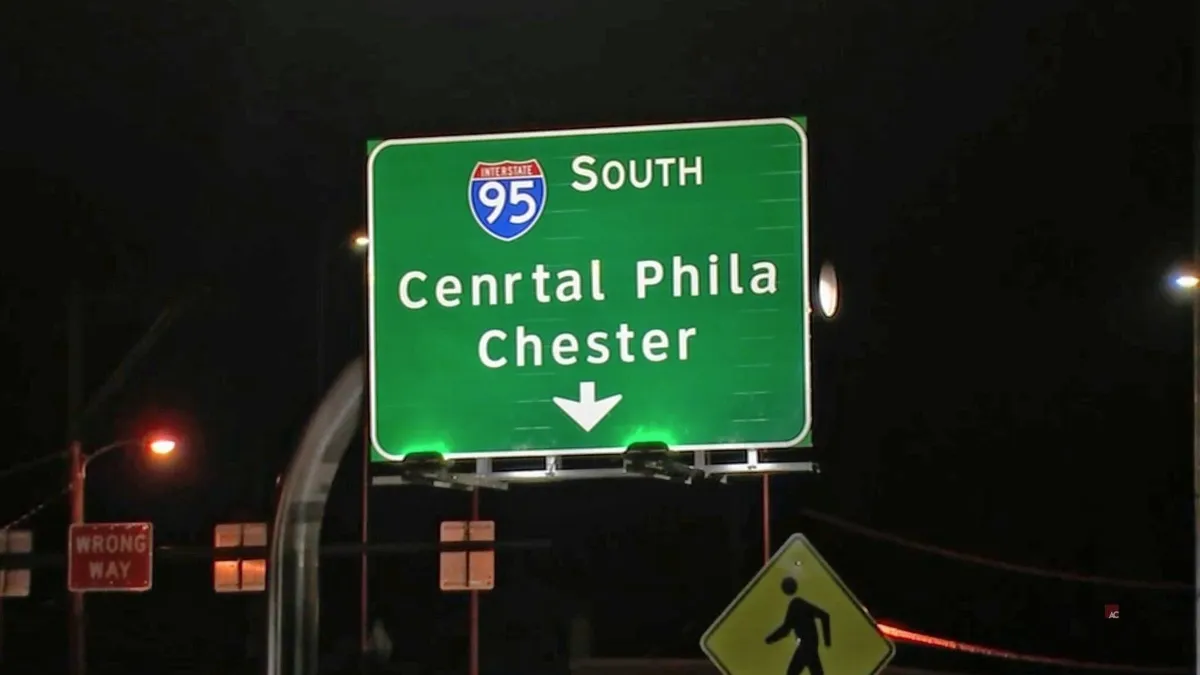
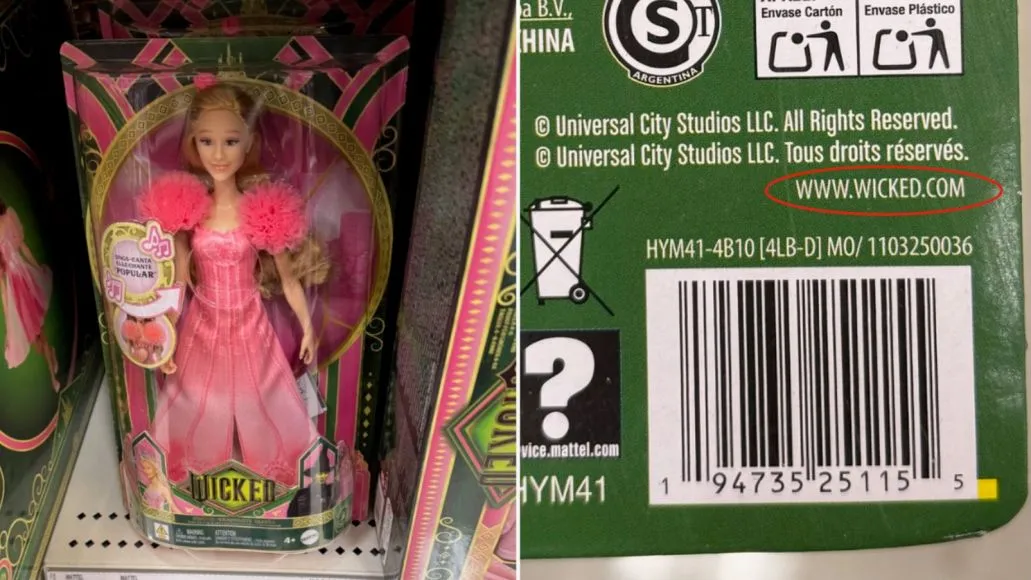
Catching typos in graphics is tricky because text inside an export is just pixels (which is why regular document tools like Grammarly cannot read them — more on that in Can Grammarly check images?).
In Gard 3.0, we completely revamped how text is analyzed behind the scenes. Instead of relying on a single quick check, your designs now run through multiple AI checks per scan. What does that mean for you?
- Multiple review passes: Gard uses multiple AI checks per scan to assess context and filter suggestions before showing them to you. Review the results in the artwork before accepting a change.
- Catches real typos more reliably: Small misspellings, repeated words, and sneaky punctuation mistakes get caught even on stylized headlines or tight layouts.
If you just need to pull plain text out of a graphic, our free image to text extractor is still there whenever you need it.
2. A Cleaner, Quicker Interface
We gave the entire app a fresh coat of paint. The new interface is cleaner, clutter-free, and designed to stay out of your way:
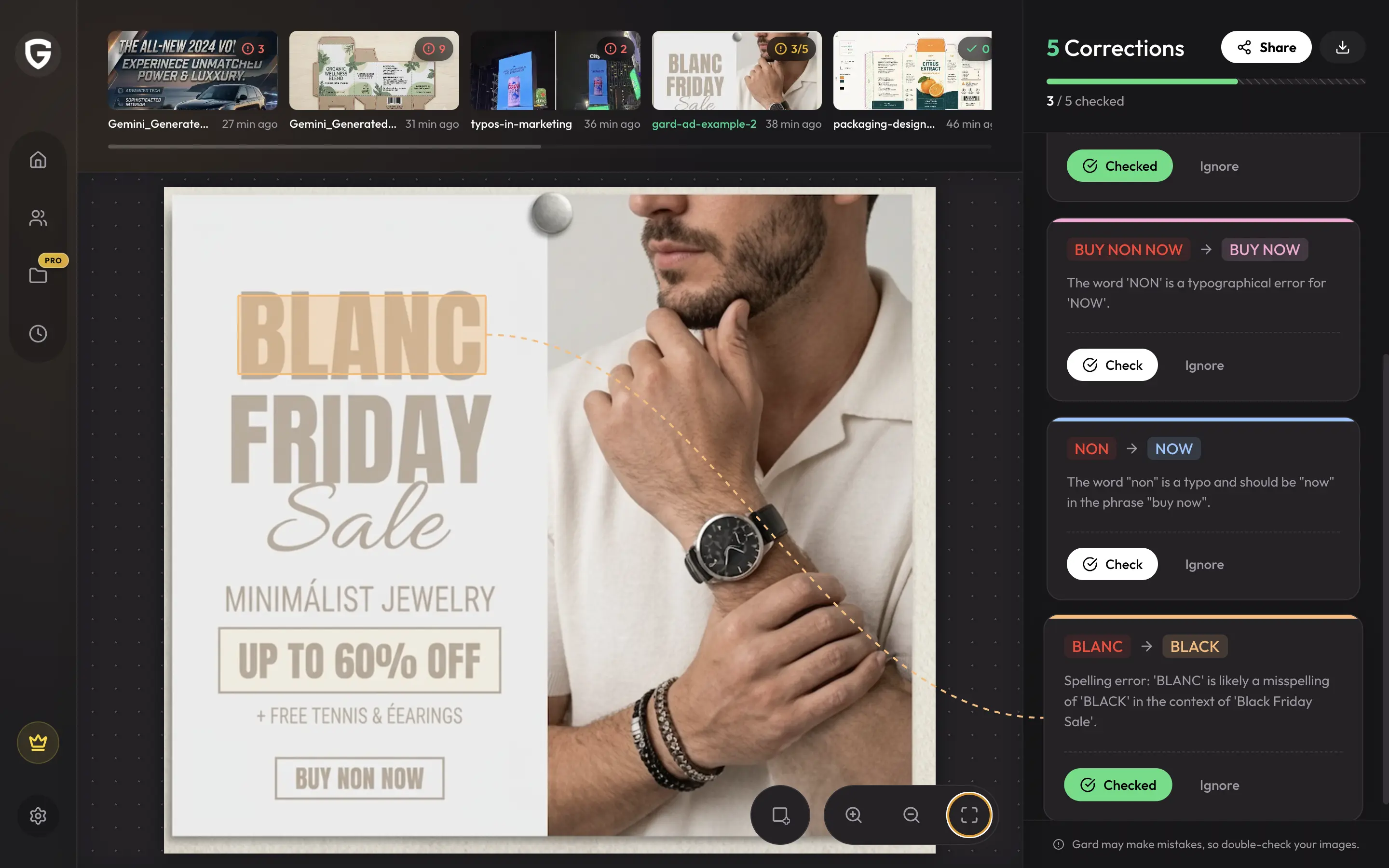
- Easier to spot mistakes: Flagged typos highlight clearly right on top of your image, so you know exactly where to make the fix in your design editor.
- Faster navigation: Moving between single image uploads, batch folders, and project files feels noticeably snappier.
- One-click fixes: Accept suggestions or ignore approved terms with a single click so you can wrap up review rounds in seconds.
3. Better Speed & Reliability
Nobody likes waiting for files to process. We tuned the engine so large graphics files — like high-res packaging exports, print PDFs, or big campaign folders — upload and scan faster without lagging.
How to Give It a Spin
If you already use Gard, version 3.0 is live right now in your account — no setup required. If you are new here, drop a graphic into Gard or test out our image spell checker to see how much time it saves on your next review pass.
Want to learn more about setting up a solid QA workflow? Check out our guides on design proofing and how to pick the right proofreading software for your team.
Disclaimer: Gard provides automated design proofing powered by advanced AI. While highly accurate, we advise users to always conduct a final manual review of high-stakes business, medical, or legal graphics before sending to production.