Extracting text...
Convert Image to Text Instantly
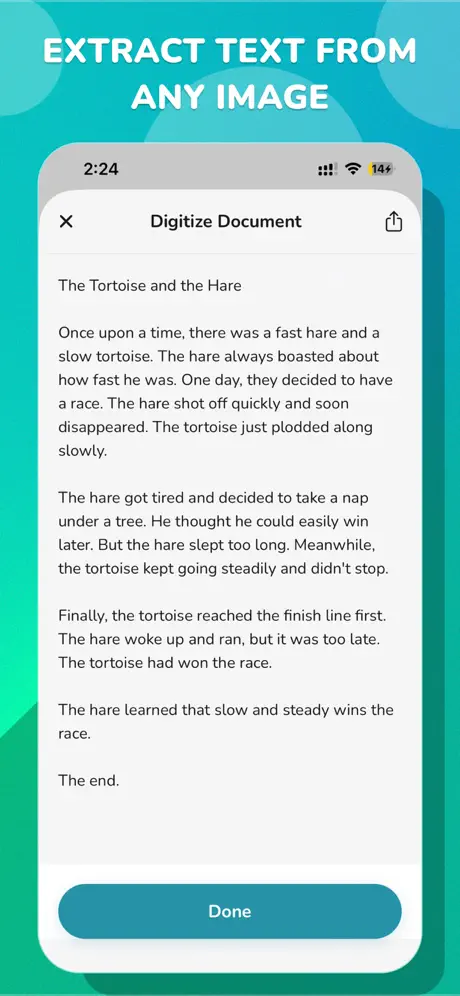
Using our advanced text extractor, you can easily convert image to text with just a few clicks. Whether you need to extract text from a scanned document, a screenshot, or a photograph, Gard's AI-powered OCR technology guarantees high accuracy and speed. Start extracting text from your images today.
How to copy text from image
To copy text from an image, simply upload your picture or paste the image link into Gard's extractor tool. Our secure AI engine will instantly scan your file and generate selectable text that you can copy to your clipboard. It's the fastest way to digitize screenshots, convert pictures to text, and extract data without manual typing.
Maintain Layout
Extract text while preserving the original structure, paragraphs, and spacing, making it easier to read and use.
Works with Dozens of Languages
Our OCR technology recognizes over 50 languages, allowing you to seamlessly extract text from global documents and foreign images.
Simply Copy Exported Text
Once the image is scanned, the extracted text is immediately ready for you to copy to your clipboard with a single click.
100% Free
Use Gard's image text extraction tool completely free of charge. No hidden fees or subscriptions required for basic extraction.
Extract text from physical paper with the app
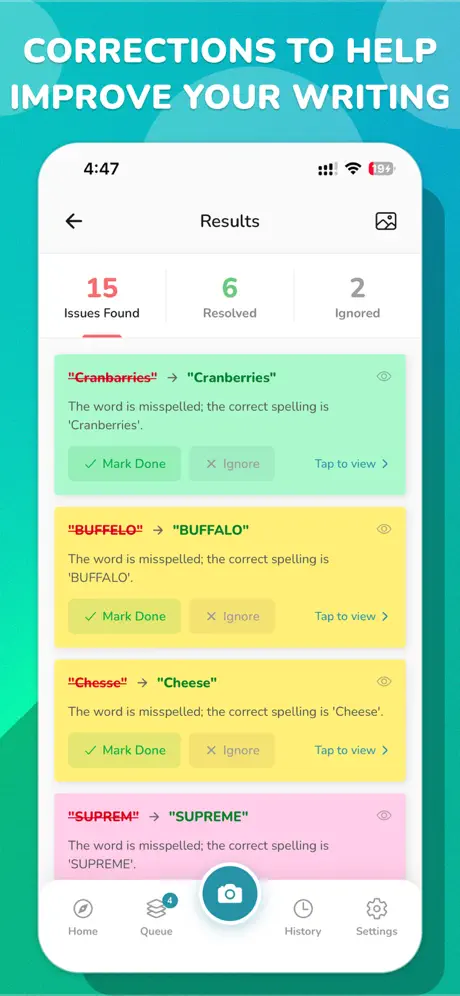
Try EssayProof by Gard. Just take a photo of any printed essay, menu, or sign, and our AI instantly detects spelling, grammar, and structural errors.
Download EssayProof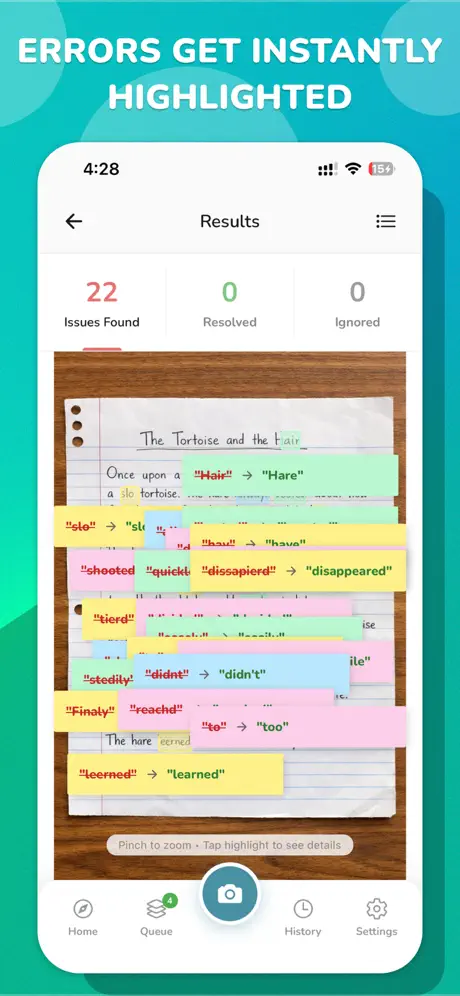
What is Gard?
Gard is the leading automated design proofing software that instantly catches typos in graphics, designs, and images. Our main app provides advanced AI-powered spell checking for creative teams to ensure client assets are flawlessly proofread before production.
Alongside our core proofing features, Gard offers a growing suite of free tools:
- Image Text Extractor: Convert images to text with ease.
- Image Diff Detector: Quickly find differences between two design versions.
- EssayProof: Scan physical documents to detect spelling and grammar errors.
Recent Blog Posts
Stay updated with the latest insights and news from the Gard team.
How to Verify Text in Images
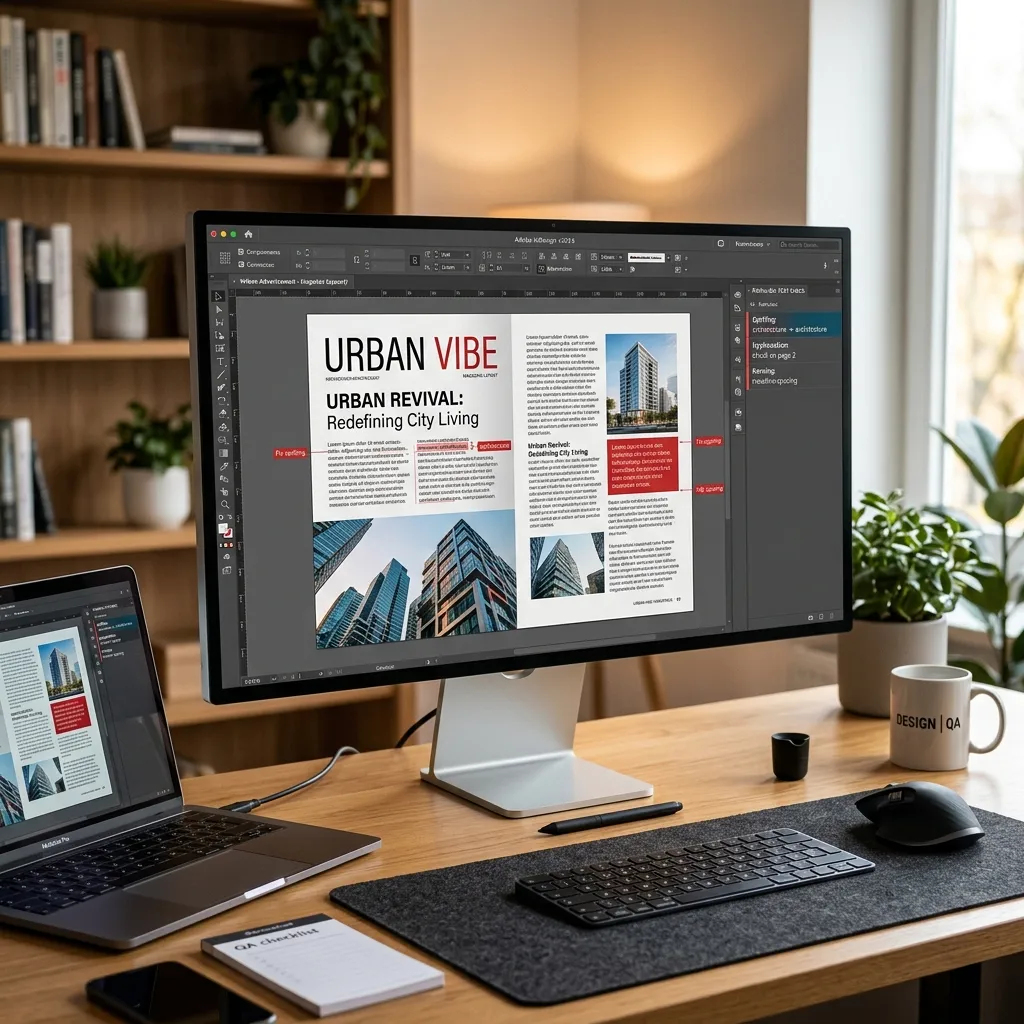
Verifying text in images is a crucial step for preventing costly typos. Discover the typical methods and how Gard represents the modern solution.
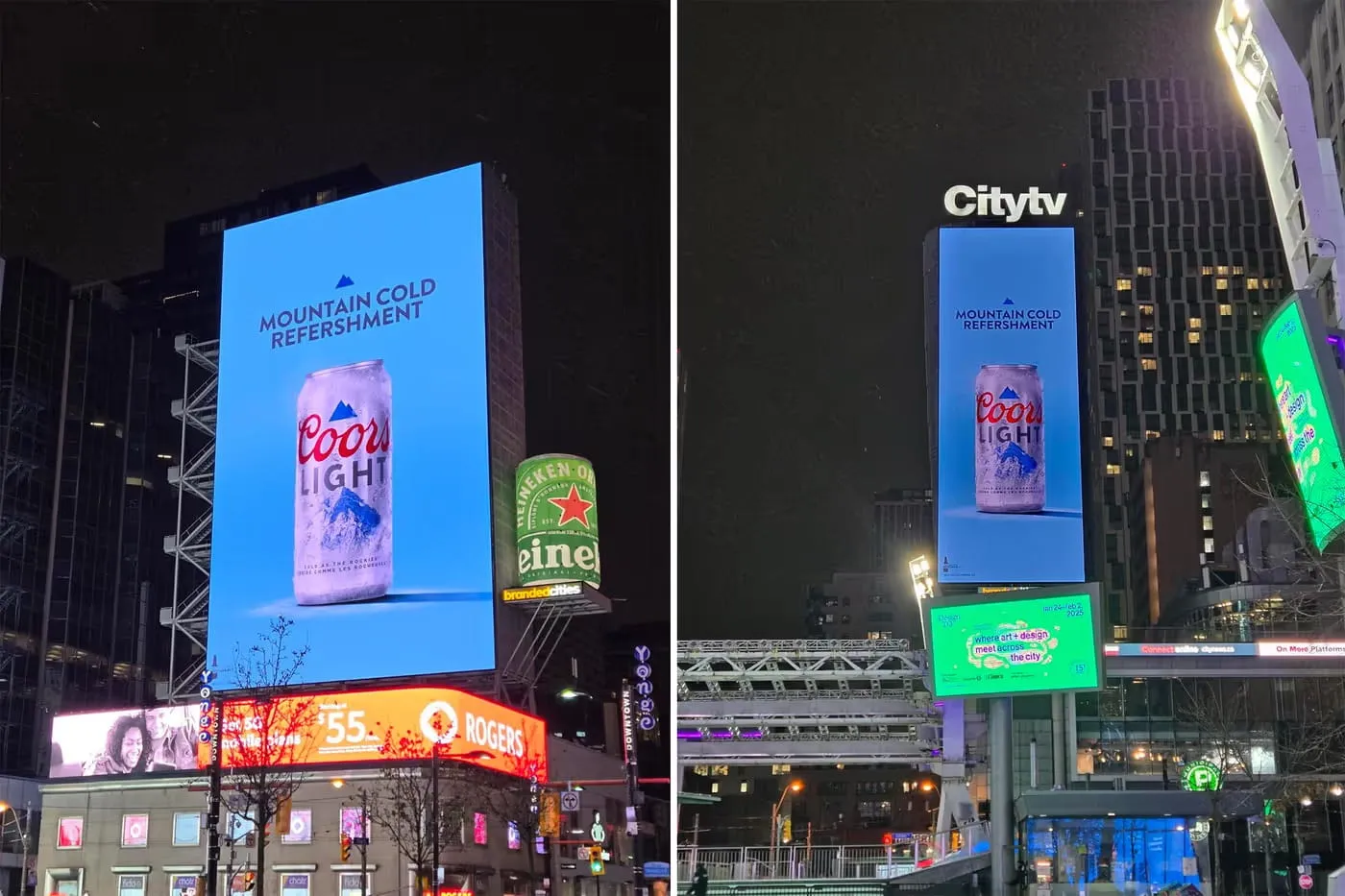
Why Typos in Marketing Graphics Are More Common Than You Think
About 60% of marketing images scanned with Gard contain at least one typo. Here's why they are more common than you think.
IMGProof is now Gard
What began as IMGProof—an internal utility designed to streamline the digital review and correction of image-based typos for quality assurance—is evolving.