Trusted by teams at



Dense product information
Small copy deserves its own review
A label’s shortest lines can carry its most specific instructions.
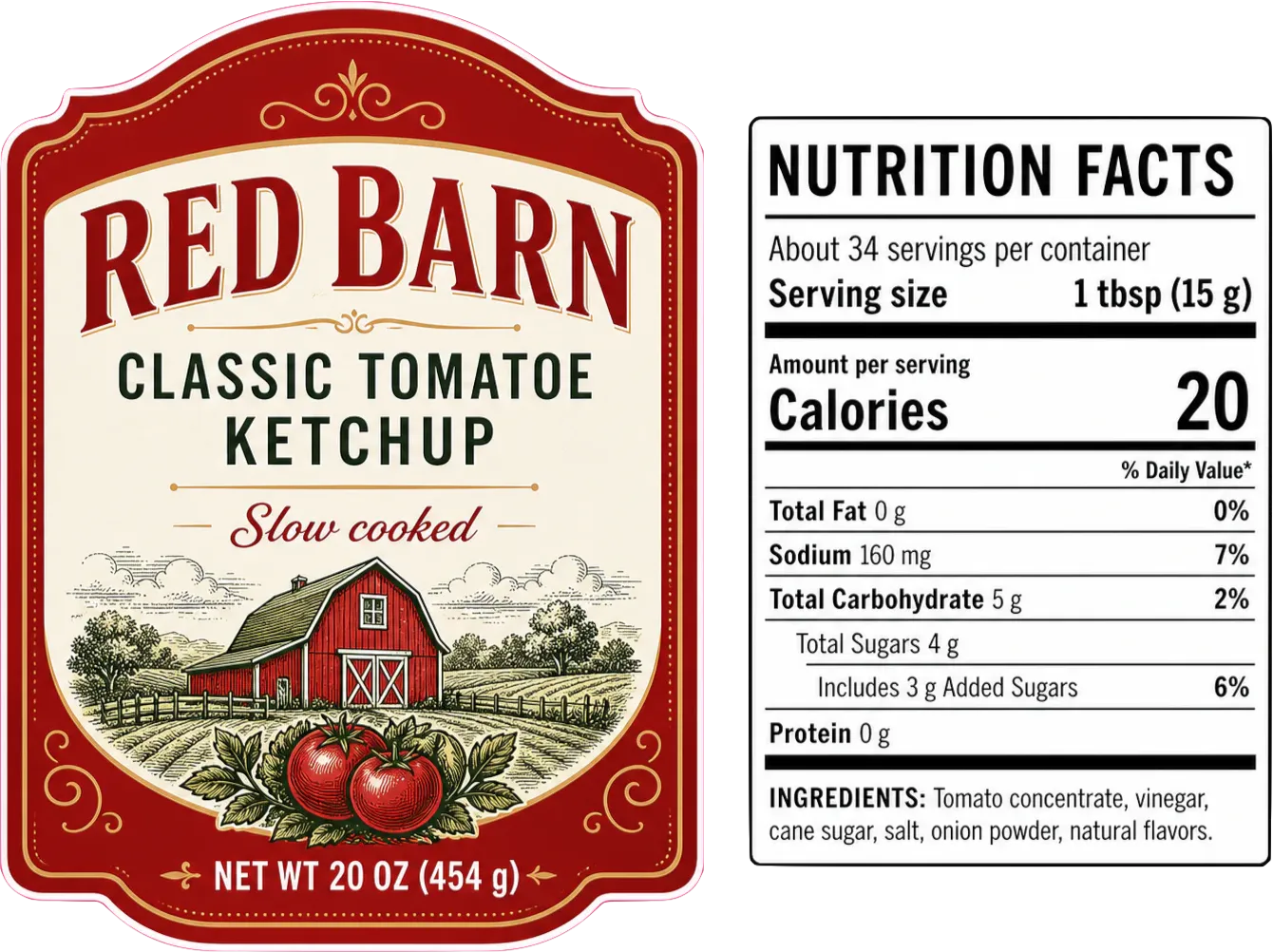
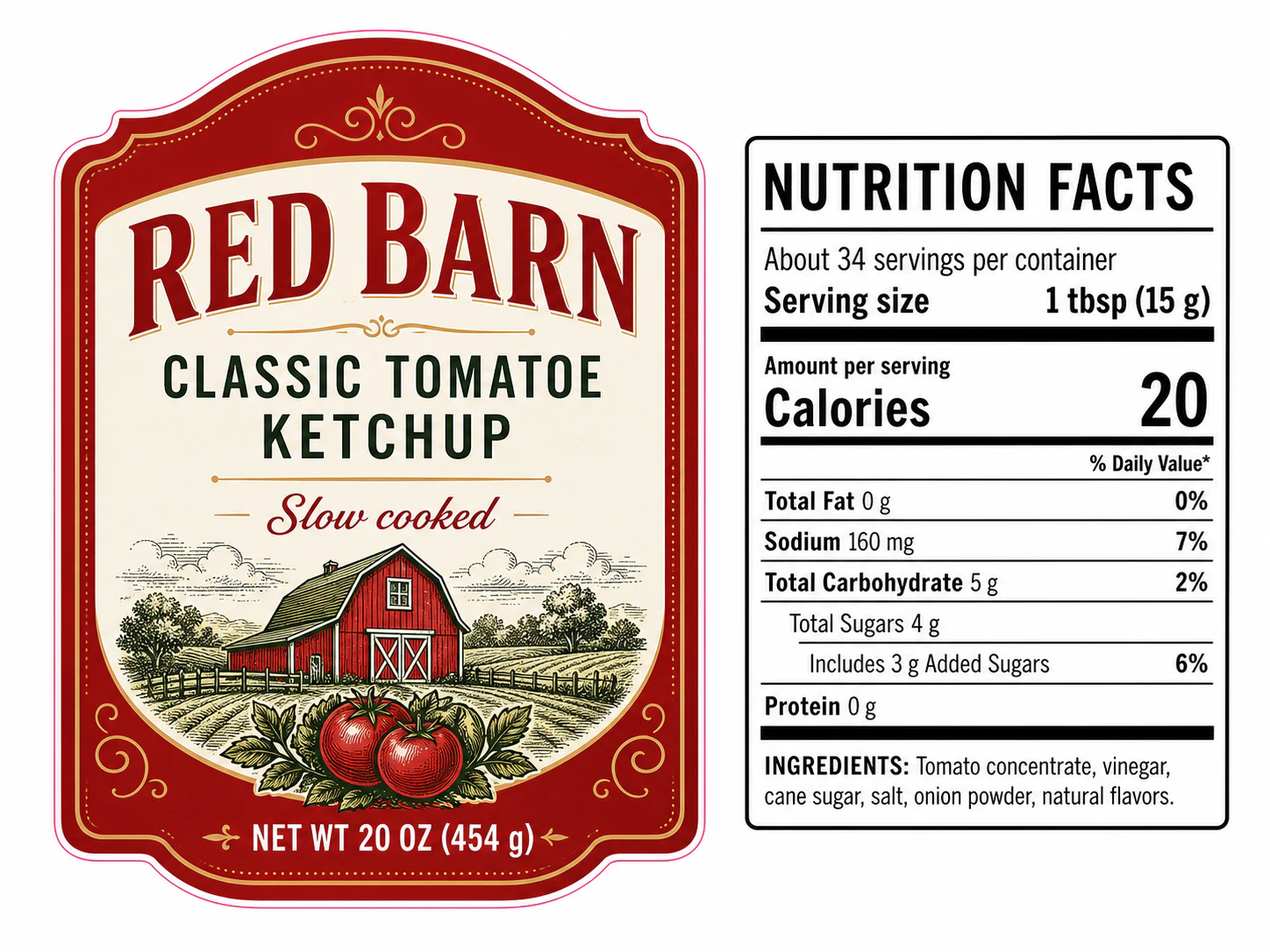
Ingredient names, storage instructions, warnings, and contact details compete for space on a back label. When a product range grows, the same layout may be reused for new flavors, sizes, or formulas. The template can look familiar while the wording needs a fresh review.
Gard highlights potential language issues in readable label exports. Use the approved product information beside the scan to assess technical terms and confirm that each label belongs to the intended variant.
Label copy review
Check the small print for each product variant
- 01
Export the label at a readable scale
Prepare clear JPEG, PNG, or WebP views of the front, back, and wrap label. Include close views of dense text so ingredient names and directions are legible without relying on a photograph of the container.
- 02
Identify the formula, size, and language
Batch-upload the labels in the release with filenames that identify each variant. Keep the corresponding product specification available for checking the details in each result.
- 03
Review technical terms and instructions
Assess Gard’s suggestions on ingredient names, descriptive copy, and directions. Preserve intentional technical terms; send questions about formulas or required wording to the product owner.
- 04
Recheck the revised label version
Apply accepted edits to the source artwork and scan the new export. Confirm that the production handoff contains the reviewed variant and revision, especially when several similar labels are being printed.
Reviewing how copy is distributed around a carton or pouch? Continue to package proofing . For menus, posters, and other commercial print jobs, use print proofing .
Fine-print review points
Read the label in the order a customer uses it
Use these passages to guide review of the suggestions on each product label.
Product identity, use, and care
- Product and flavor names in the front-label descriptor
- Misspelled ingredient names in a tightly set list
- Directions such as “Shake well before uses” with an incorrect word form
- Punctuation that makes storage or care instructions hard to follow
- Repeated words in a shortened warning or caution statement
- Inconsistent terminology between the description and usage directions
Verify ingredient order, allergen statements, quantities, and required wording against the approved specification. A language suggestion alone cannot establish product accuracy.
Image spell checkerA familiar template can contain a different product
Review every flavor, fragrance, size, and market label in its own right. Batch scanning helps process the files, while your product specification identifies the correct formula, net quantity, and directions for each SKU.
See the packaging panel workflowGard has become part of my daily workflow. It’s reliable for proofreading and very good at catching small details that usually go unnoticed.
 Norman Vega Creative Strategist
Questions
Label proofing FAQ
Can Gard check ingredient lists and technical names?
Gard can flag potential spelling and language issues in legible label images. Review technical ingredient names against the approved formula or specification before accepting an edit, since unfamiliar terms may be intentional.
How should I scan a wraparound or small-print label?
Use the flat label artwork and export readable JPEG, PNG, or WebP views of dense sections. A photo wrapped around a bottle can obscure or distort the words. Keep the complete label available to review the reading order.
Does label proofreading verify allergens or required wording?
A copy scan helps find language issues. The product and regulatory reviewers still need to verify ingredients, allergens, warnings, and required wording against the approved specification for the market where the label will be used.
How do we review a range of label variants?
Batch-scan the exported labels and identify each file by product, size, language, and revision. Review each result with that variant’s specification. Scanning the range does not establish that ingredients or quantities were copied from the correct source.
Before the label print run
Put your next label under a closer copy review
Upload a readable label export and work through the product wording before releasing the artwork.
Start with 3 free scans each month. No credit card required.
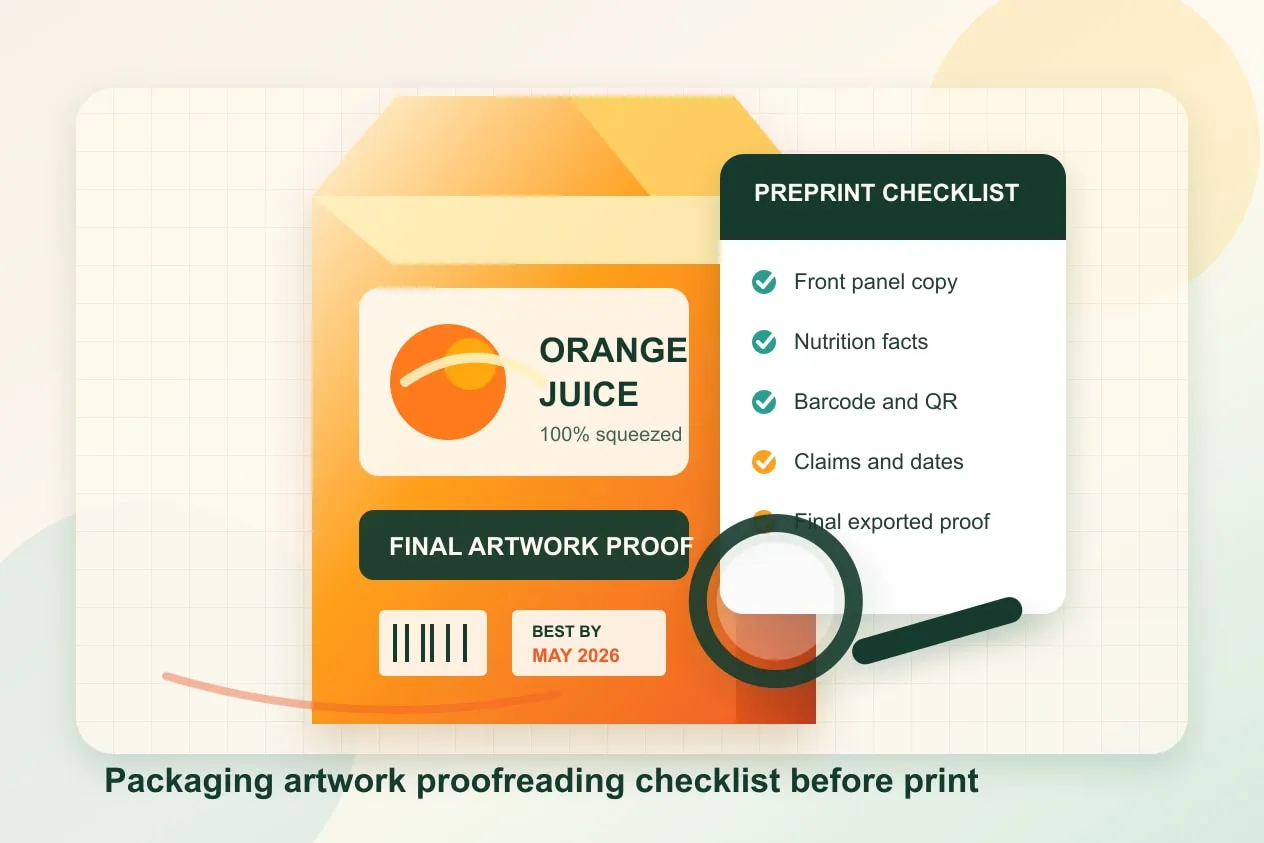
For the broader manual review, use the packaging artwork proofreading and prepress checklist .