Trusted by teams at




Across the whole package
The front panel is only the start of the review
A carton can put the product name, directions, and brand story on different sides.
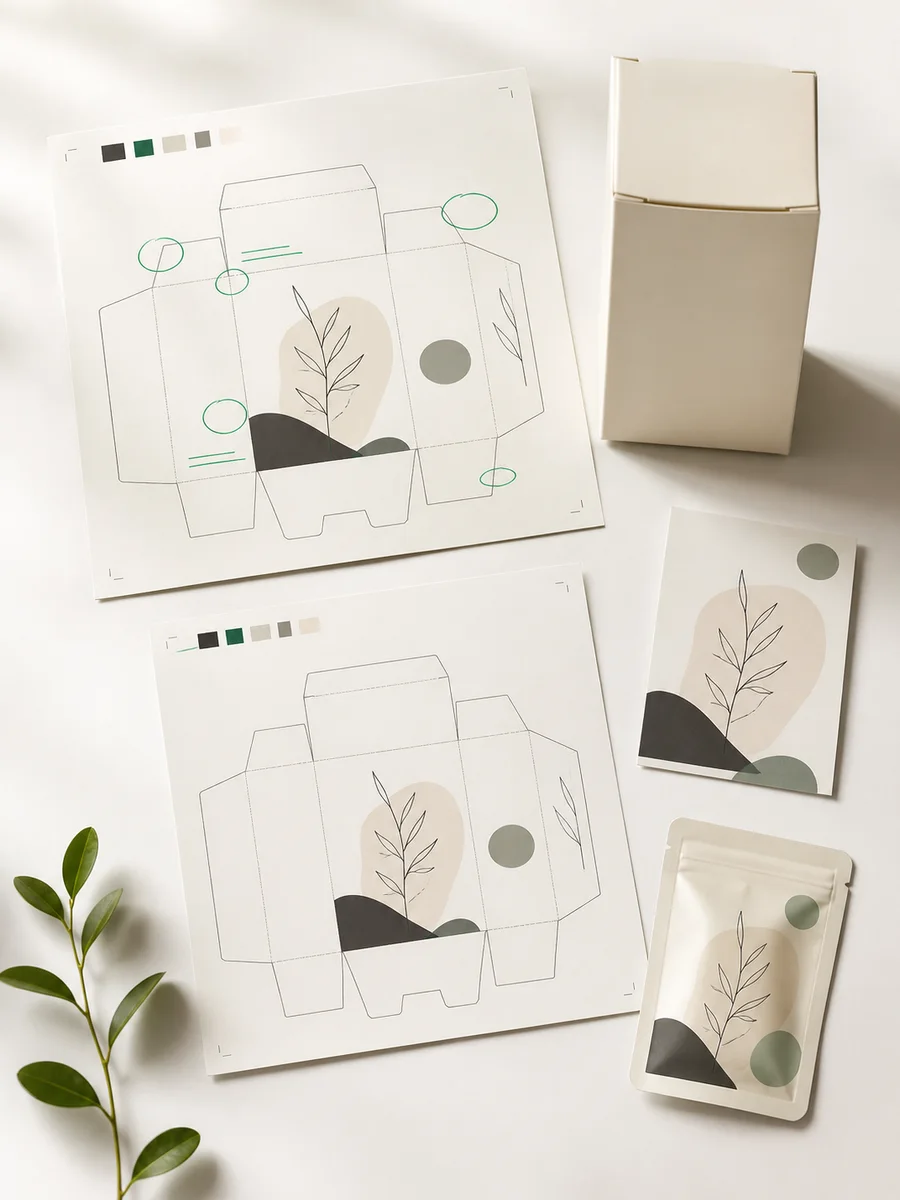
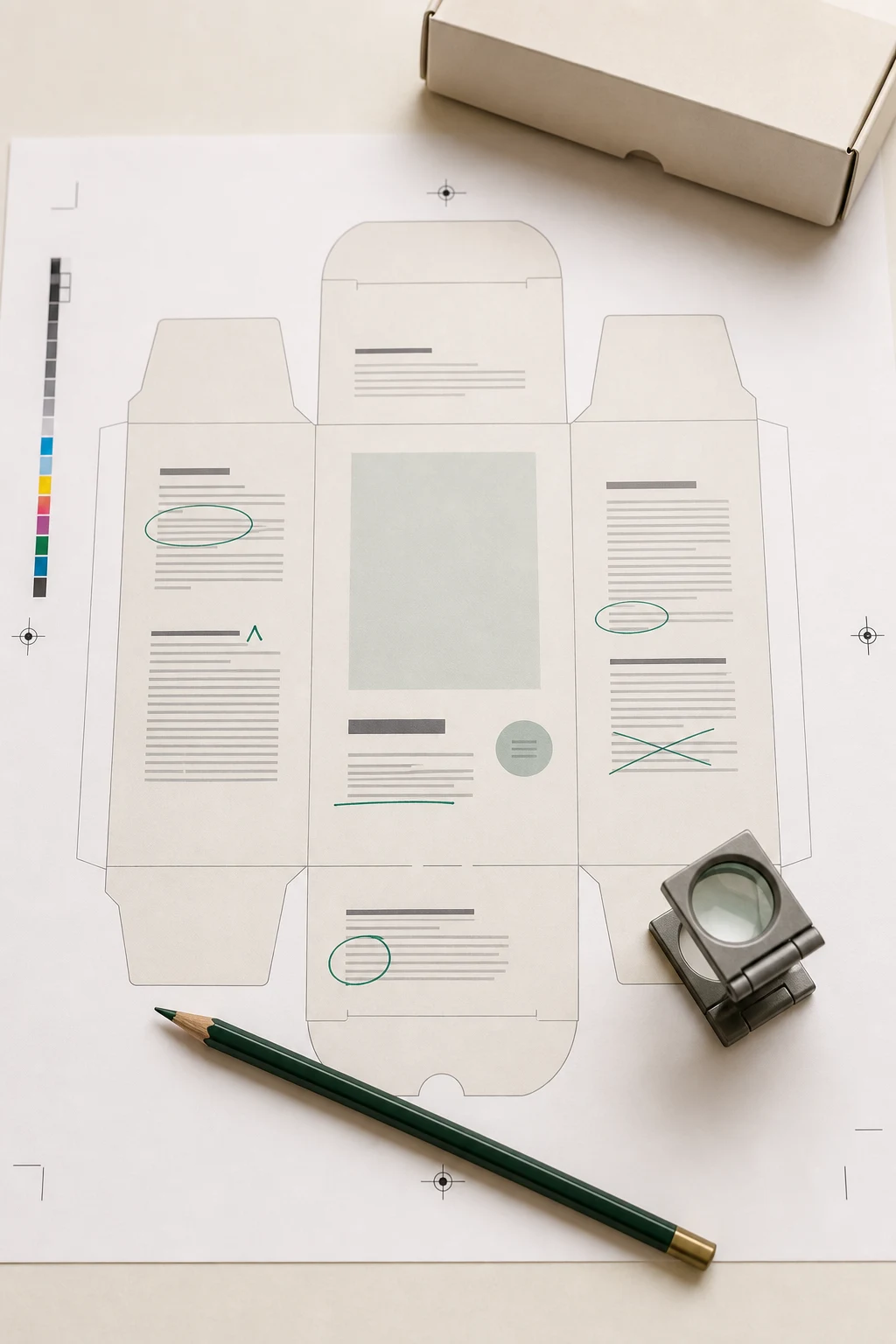
Packaging copy is distributed around a physical object. A short front-panel claim leads to a longer explanation on the back; directions sit on a side panel; a flap carries another line of text. Reviewing only the presentation mockup can leave some of that wording unseen.
Use Gard on readable image exports of the production artwork. Work through the panels and resolve potential language errors before the package moves into approval, print preparation, and assembly.
Packaging review sequence
Work through the dieline panel by panel
- 01
Prepare readable views of every panel
Export the current carton, sleeve, or pouch artwork as JPEG, PNG, or WebP. Keep a full layout for reference and export close views where text is small, rotated, or difficult to read.
- 02
Group exports by product and market
Batch-scan the artwork for the release. Identify each file by product, pack size, market, and revision so the reviewer can associate a finding with the correct production file.
- 03
Review language across the package
Inspect Gard’s suggestions in the front-panel claim, back-panel story, and directions. Check how the wording reads from one panel to the next, using the approved product copy to resolve questions.
- 04
Close copy changes before prepress
Correct the artwork source and rescan the revised panels. Send the reviewed version into your packaging approval process alongside the structural, barcode, and print-production checks.
For folded packs, also review a physical mockup: panels that sit apart on a flat dieline can become adjacent once the carton is assembled.
Panel-level copy review
Give every surface a reason to be checked
Different parts of a package carry different reading tasks. Use these as review points when assessing Gard’s findings.
Passages to inspect on the artwork
- Front-panel descriptors with a misspelled flavor or product category
- Back-panel brand stories with repeated words after a paragraph is shortened
- Side-panel directions with unclear phrasing or a missing punctuation mark
- Preparation or storage text with inconsistent capitalization
- Product terminology written differently on two visible panels
- Localized descriptions squeezed into a panel designed for shorter copy
Check each suggestion against the intended product and market. These review examples do not establish that the approved source copy has been followed.
Review dense label copyConnect the carton, pouch, and insert
When a release includes an outer carton, inner pouch, and instruction insert, review all three. Use the same approved copy reference to confirm product identity and directions across the set. For ingredients, warnings, and other compact product text, use the dedicated label workflow.
Gard has become part of my daily workflow. It’s reliable for proofreading and very good at catching small details that usually go unnoticed.
 Norman Vega Creative Strategist
Questions
Packaging proofing FAQ
Should I scan a packaging mockup or the flat dieline?
Start with readable image exports of the flat production artwork so every text panel is available. A perspective mockup may hide side panels or distort small copy. Use the mockup separately to review how the words appear on the assembled pack.
How do I prepare small or rotated panel text?
Export a closer view with upright, legible text as a JPEG, PNG, or WebP. Keep the complete dieline available for context, and identify the panel in the filename so corrections go back to the right place.
What is the difference between packaging and label proofing?
Packaging review follows copy around cartons, pouches, sleeves, and accompanying components. Label review concentrates on dense product information such as ingredient lists, directions, warnings, and variant details. Gard can scan the exported artwork for both workflows.
Can a Gard scan approve a package for production?
Gard supplies copy suggestions for your reviewers. Production approval still needs the responsible team to confirm the product information, required wording, barcode, dieline, and print specifications on the final artwork.
Before artwork approval
Bring the whole package into the copy review
Start with your carton or pouch exports and work through the panels before handing the artwork to prepress.
Start with 3 free scans each month. No credit card required.
For the broader human QA process, use the packaging artwork proofreading and prepress checklist .