Trusted by teams at




Before the print run
Check the words while a correction is still a file edit
A well-prepared print file can still contain a misspelled headline.
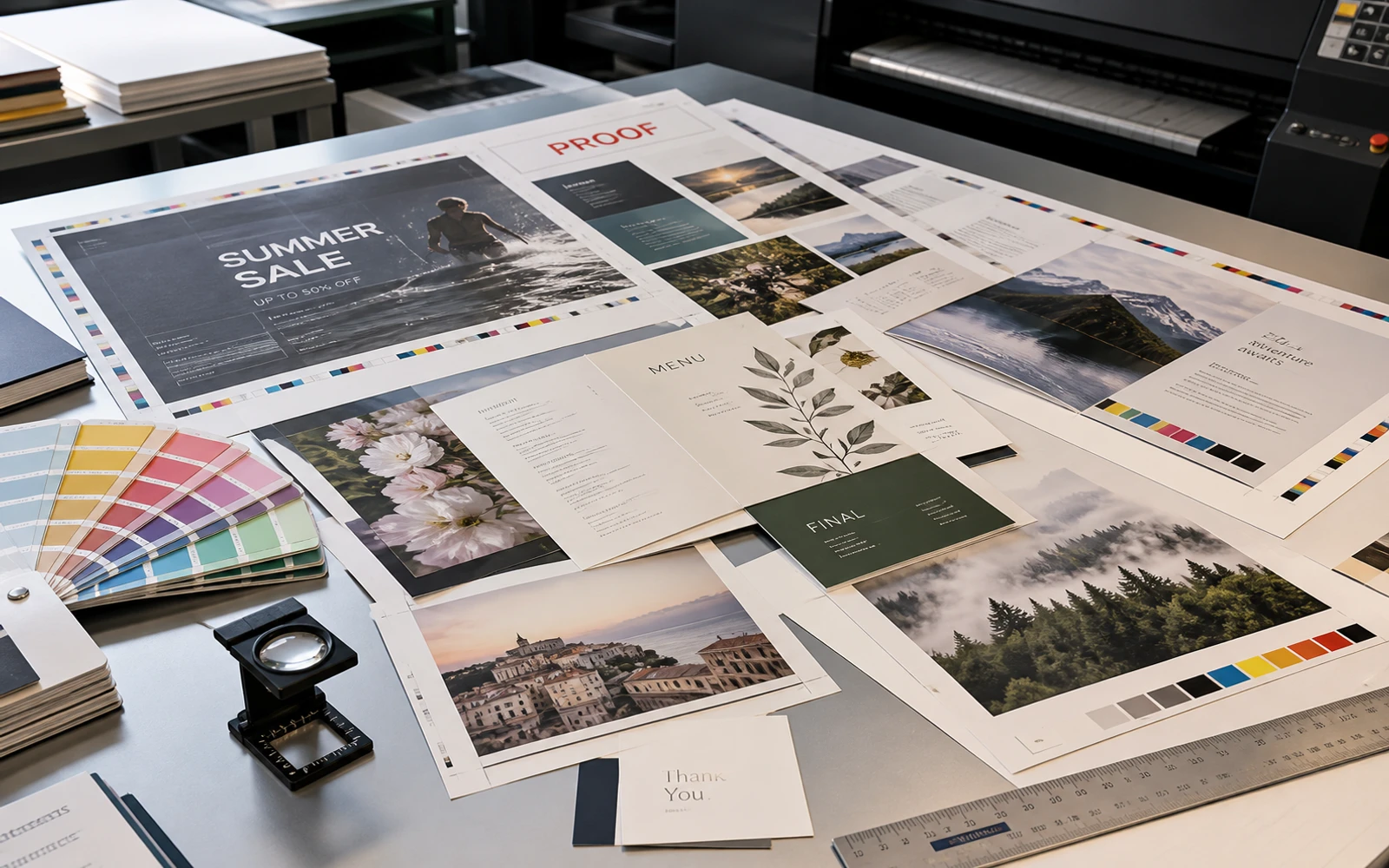
Brochures move through page revisions. Menus pick up seasonal dishes. Event flyers get a new venue or a shorter description close to the deadline. Those copy changes need review on the proof the customer is about to approve.
Gard scans image exports of the print artwork and marks potential language errors for review. Work through the text while the designer can still correct the layout and return an updated proof.
Use that copy pass alongside the printer’s production checks. It gives the words their own review before attention moves to paper, finishing, and the press run.
From proof to press
Build text review into the print proof round
- 01
Gather every page and printed side
Use a readable PDF that contains every brochure page, menu panel, or printed side. If the proof is split across files, save clear JPEG, PNG, or WebP views instead. Include covers and small information panels that may be absent from the main presentation.
- 02
Scan the current customer proof
Upload the PDF directly, or upload the page images as a batch using page numbers and a job revision in the filenames.
- 03
Resolve text edits with the customer
Review spelling and wording suggestions with the copy owner. Confirm event dates, menu prices, addresses, and phone numbers against the job’s approved details before changing the source layout.
- 04
Return the corrected proof for sign-off
Rescan the revised pages and send the updated proof through the customer’s approval process. Make sure prepress receives that version with the agreed print specifications.
A useful checkpoint is the last customer proof round, when the content is settled but the job has not yet been released to the press.
Commercial print copy
Match the copy check to the print job
Different print formats concentrate mistakes in different places. Review these passages when working through the scan.
From cover lines to contact panels
- Brochure headings and captions that changed during page revisions
- Menu descriptions with misspelled dish names or awkward ingredient wording
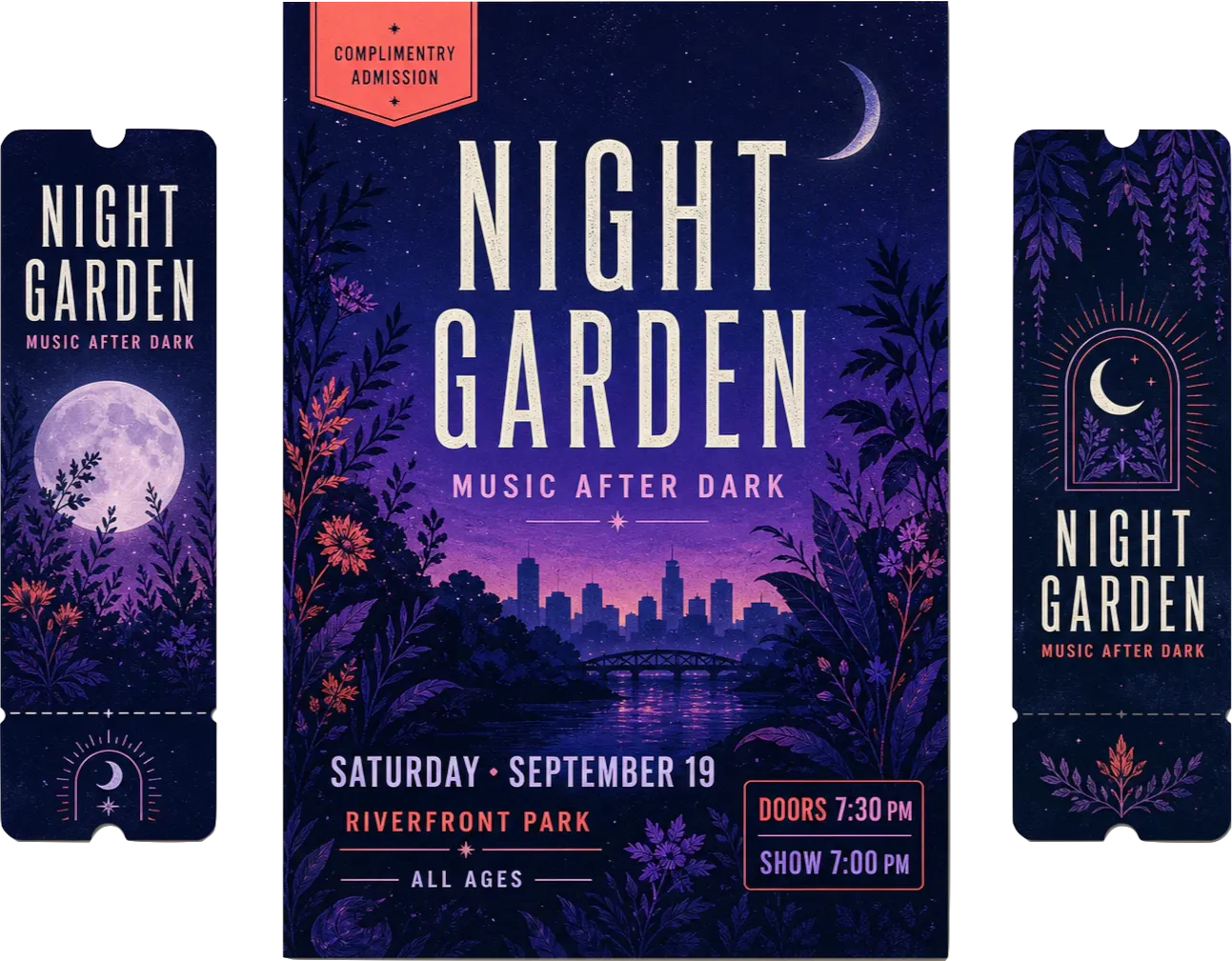
- Event flyer phrases such as “Doors opens at seven”
- Poster headlines with punctuation or repeated-word errors
- Contact-panel wording and directional signs with missing words
- Localized visitor information with grammar or word-choice issues
Gard’s flags help with language review. Confirm names, prices, dates, contact details, and QR destinations from the job brief.
Proof product labelsGive folded pieces a reading-order check
For brochures and folded menus, read a mockup in its finished order after resolving text flags. Confirm that headings, captions, and continuation text make sense across folds and page turns. The physical proof adds context that separate page scans do not provide.
Gard has become part of my daily workflow. It’s reliable for proofreading and very good at catching small details that usually go unnoticed.
 Norman Vega Creative Strategist
Questions
Print proofing FAQ

Does Gard check print color, bleed, or resolution?
Gard’s role here is proofreading text in the artwork. Keep color matching, bleed, trim, image resolution, font handling, and other production checks in your printer’s preflight and proofing process.
Can I scan a multipage brochure or a PDF proof?
Yes. Upload the PDF proof directly. If the layout pages are separate files, upload readable JPEG, PNG, or WebP images as a batch. Include the cover, back page, and inserts, and keep page numbers in filenames so findings can be traced to the layout.
When should a print shop run the text check?
Run it during the customer proof round, before production approval. If the customer requests copy changes, scan the revised pages again and confirm that the approved version is the one passed to prepress.
Will Gard verify event dates, menu prices, or phone numbers?
Use the approved job brief to verify those details. A scan may draw attention to a language issue near a date or number, but a plausible-looking value can still be wrong. The customer or copy owner should confirm it.
Before customer sign-off
Check the copy on your next print proof
Start with the current page exports and resolve text edits before the job goes to press.
Start with 3 free scans each month. No credit card required.