Trusted by teams at





The product gallery
Shoppers read your images to decide what they are buying
A feature graphic often answers the question that the product photo cannot.
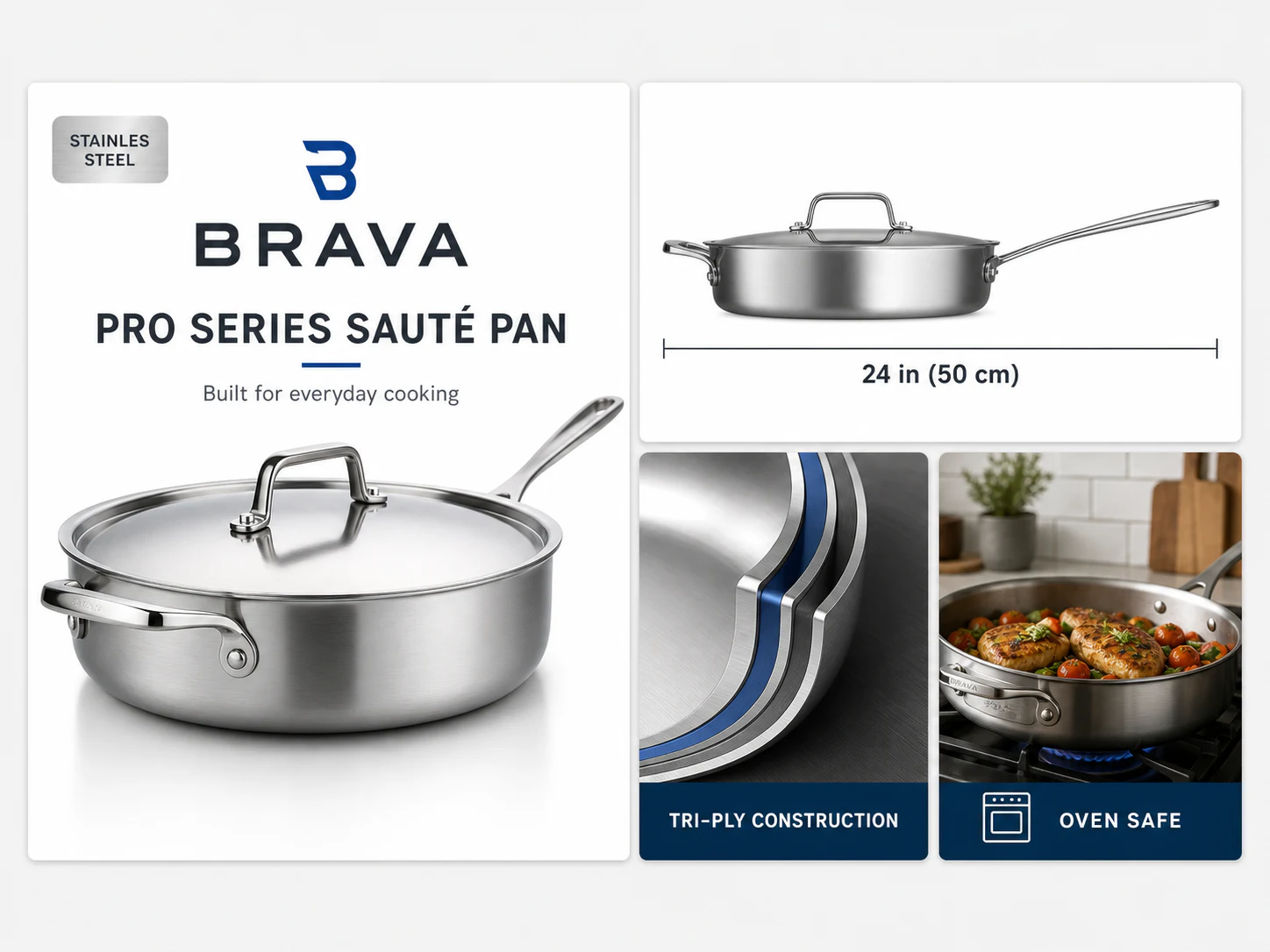
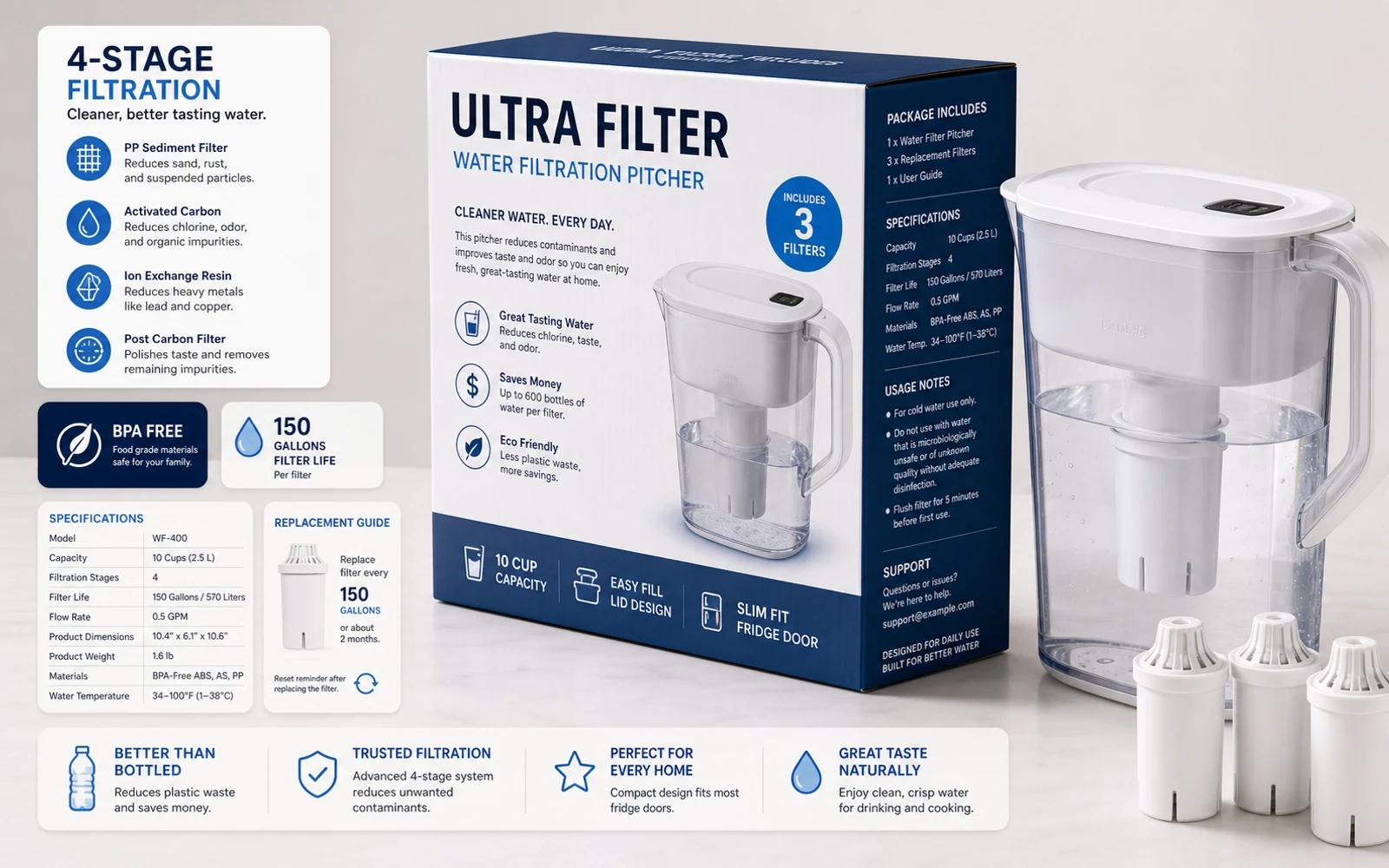
Gallery images explain what is included, how a product is used, and which size to choose. Comparison charts and detail callouts put those answers into the artwork, where a catalog editor’s text check may never reach them.
Gard reviews the wording inside exported listing images and marks potential language errors. Work through the visual explanations before they become part of the product detail page.
A reusable image template needs a fresh review for each SKU. A new material, pack size, or accessory set can change several callouts even when the photography and layout stay the same.
Use JPEG, PNG, or WebP exports for gallery graphics and image modules intended for Amazon, Shopify, or other storefronts. Keep the product specification available while reviewing the findings.
Catalog release workflow
Review the gallery as a set of product explanations
- 01
Gather the images for one listing
Include feature callouts, what’s-in-the-box graphics, size guides, comparison charts, and enhanced-content image modules. Keep them in gallery order so the reviewer can follow the shopper’s reading sequence.
- 02
Batch-scan the SKU’s image set
Upload the exported images and identify them by SKU, gallery position, language, and revision. Include regional variations where the same feature is described differently.
- 03
Check the wording against the product
Review Gard’s language suggestions in feature descriptions, chart labels, and usage text. Use the product specification to verify materials, compatibility, dimensions, and included quantities.
- 04
Replace the listing assets and preview
Correct the source graphics, rescan the updated exports, and upload the reviewed set to the intended product. Preview the gallery to confirm the image order and readability.
Finish one listing’s image set before moving to the next SKU. That keeps each wording decision tied to the product it describes.
Buyer-facing explanations
Check the copy shoppers rely on to choose
Focus the language review on the passages that explain features, fit, and use.
Feature callouts and specification labels
- Benefit headlines with awkward wording such as “Designed for comfortably use”
- Material and finish names misspelled in a close-up callout
- Comparison-chart headings that mix singular and plural product terms
- Size-guide labels with unclear wording around width, height, or depth
- What’s-in-the-box captions with duplicated or incomplete phrases
- Translated assembly or care text that needs a fluent reviewer’s attention
Gard’s suggestions help with wording. Confirm factual claims, dimensions, compatibility, and pack contents against the SKU’s approved data.
Image spell checkerCheck the explanation against the item being sold
A grammatically correct callout can still describe the wrong variant. Confirm that every image belongs to the listing’s color, size, material, and pack count. Review comparison graphics against the specifications of all products shown.
Gard has become part of my daily workflow. It’s reliable for proofreading and very good at catching small details that usually go unnoticed.
 Norman Vega Creative Strategist
Questions
Product image proofing FAQ
Can Gard review Amazon A+ content and Shopify images?
Gard can scan the exported JPEG, PNG, or WebP images used in a product gallery or enhanced-content module. Upload the image assets themselves and review live text fields separately in your catalog or storefront editor.
Can it check dimensions and size-guide copy?
Gard can review visible wording and labels around measurements in an image. Confirm actual dimensions and sizing guidance against the product specification; proofreading alone does not establish that a product will fit.
Should I scan every SKU if the image template is the same?
Scan each final set when callouts, materials, quantities, or product names change. Reusing a template can carry old wording into a new variant. Batch scanning helps you work through the exported images, with a result for each file.
Does Gard validate marketplace image requirements?
Gard provides a copy review of the image. Check the current requirements for your marketplace, category, and image placement in the seller platform before publishing. A language scan is not marketplace approval.
Before the listing update
Proof the gallery for your next product release
Upload the SKU’s image set and review its feature copy before shoppers see the listing.
Start with 3 free scans each month. No credit card required.
For a broader manual review, follow the 7-step guide to proofreading images .